

Cele mai bune tastaturi de gaming de pe piață
Ce tastatură de gaming să aleg? Care sunt cele mai bune pentru 2026?
Pentru a găsi cele mai bune opțiuni pentru tine, ne-am bazat pe recenziile utilizatorilor privind principalele caracteristici, cum ar fi dacă tastatura este mecanică, dacă are taste iluminate și dacă este fără fir.
Cea mai bine vândută tastatură pe Skroutz
Cu 70 de recenzii de înaltă performanță și switch-uri Razer, Razer BlackWidow V3 este cea mai bună tastatură de gaming pentru computerul tău!
Cel mai bun tastatura de gaming pe Skroutz

- Construcție din aluminiu
- Comutatoare Razer Green (Tactile și Clicky)
- Limbaj de tastatură grecesc
- Roată de control al volumului
Recenzia remarcabilă
"Are o calitate de construcție foarte bună și ergonomie decentă, deoarece vine cu suport pentru încheietură și poți ajusta și înclinarea, în două nivele, pentru o tastare mai confortabilă. Razer Blackwidow V3 nu este cu siguranță o tastatură mecanică ieftină, dar are o calitate ridicată a construcției și oferă o alegere între comutatoare pentru gaming și mai potrivite pentru utilizarea în birou."
Cel mai bun tastatură de gaming de dimensiuni mari
Tastatura Logitech G213 Prodigy este perfectă pentru computerul dvs., cu layout complet, iluminare RGB și rotiță de volum și taste multimedia.
Cel mai bun tastatură de gaming de dimensiuni mari

- Taste Logitech G Mech-Dome
- Iluminare RGB
- Rotativ pentru volum și taste multimedia
Recenzia remarcabilă
"Tastatură impecabilă. Este de tip membrană, nu mecanică, dar are o senzație mai intensă de clic fără ca tastele să fie ridicate. Luminile sunt strălucitoare și RGB pe care le poți personaliza prin intermediul software-ului Logitech (Logitech G Hub).
O achiziție excelentă!"
Cel mai bun tastatură de gaming de 60%
Cu o dimensiune de 60% (fără tastatura numerică, clusterul de navigare și rândul de funcții), Redragon K617 FIZZ se va potrivi oriunde! Mecanică pentru tastare rapidă și iluminare RGB!
Cel mai bun tastatură de gaming 60%

- Comutatoare personalizate Red
- Iluminare RGB
- Software pentru personalizare
Recenzia care a iesit în evidență
"Mai întâi de toate, dacă ești fan al tastaturilor de 60%, ia-o fără să stai pe gânduri. Tastatură excelentă cu multe moduri, senzație plăcută la apăsare, switch-uri roșii suplimentare împreună cu o cheie pentru scoaterea capetelor și switch-urilor și acoperită cu un plastic rezistent dar flexibil.
De pe site-ul oficial al lor, poți descărca software-ul lor unde poți schimba culorile sau modurile de acolo și alte extra-uri, dar dacă vrei cea mai simplă și rapidă metodă, există 2 combinații de taste (Fn + Alt) pentru schimbarea efectelor și (Fn + Space) pentru schimbarea culorii luminii."
Dacă vrei să afli mai multe, poți citi ghidul detaliat de cumpărare pentru Tastaturi.
Vrei să treci la achiziționarea unei tastaturi de gaming și mai ai întrebări? Poți suna la 215-215-3400 pentru a plasa comanda telefonic și pentru a fi ghidat de echipa noastră.
Articole relevante
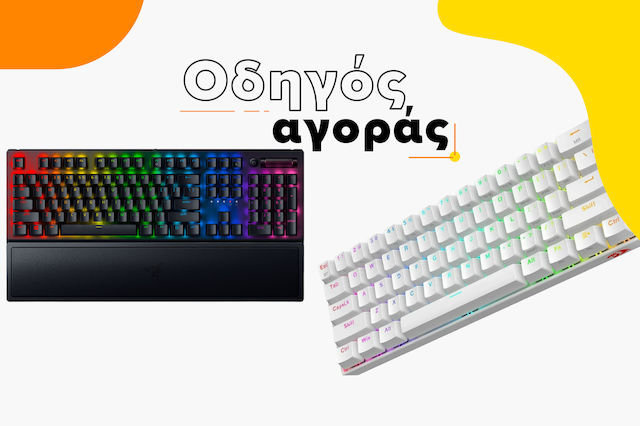
Ghid de cumpărare pentru tastaturi

Ghid de cumpărare pentru mouse-uri de gaming
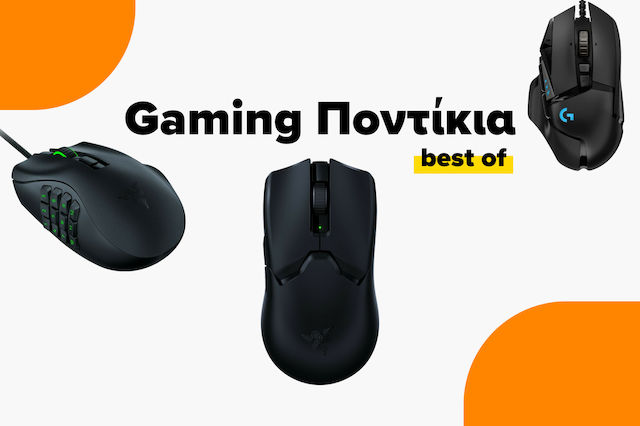
Cele mai bune mouse-uri de gaming de pe piață
fii primul care lasă un comentariu