

Looking for a tablet? See what you should pay attention to!
What should you pay attention to when buying a tablet? What are the most important features? What features should you consider based on your intended use? Let's discover together!
If you are an Apple user, the best solution is an iPad for the ultimate connection with your other devices. See here the iPad buying guide and find the ideal one for you.
If you are interested in another brand, keep reading...
Main Features
Operating System
Each operating system has its own features, applications, and user experience.
Android is ideal for content consumption, simple use, and Google apps
Windows, on the other hand, is suitable for work, multitasking, and using desktop applications
#SkroutzTip: If you want a "mini-laptop", go for Windows. If you want a user-friendly tablet for entertainment, then Android is more flexible and affordable.
Screen size & resolution
Screen size is also an important factor. Some models have a smaller screen, like large smartphones, making them more portable, while others have a larger screen, like small laptops, so you can enjoy your content more comfortably!
Thus, a tablet with a 7 - 8 inch screen will be ideal to take with you everywhere, since it will be small and light, but it will not offer the best viewing experience if you want to watch movies or videos in general often.
By contrast, a larger 10 - 12 inch screen will be more suitable for consuming multimedia content, but you will need to sacrifice portability as the size increases.
Hardware
Processor
The processor determines the tablet's performance. Since there are many processors with different names and capabilities, in the table below you can see the most popular ones, their use, and which models you can find them in.
RAM Memory
This is the "temporary" memory of the device. It stores all the functions that are executed at the moment.
It significantly affects the performance of the tablet, especially in multitasking situations, but at the same time if you don't want to perform difficult tasks.
The table below shows the minimum RAM you need for each use.
Storage
If you plan to store a lot of videos or photos, then choose a tablet with 128GB of storage or with the option to expand with a memory card.
Battery
Check the battery capacity and read user reviews to get an idea of battery performance. If you spend a lot of time away from home, then the battery is a very important factor, since you need greater autonomy. Battery life is not necessarily related to the size of the battery, since the larger the screen and the more pro features it has, the more power it requires.
Stylus
Some models are compatible with or even include a stylus in the box, giving you the ability to
- Take notes as if on paper
- Draw / Paint
- Edit images with precision

What will you use it for?
Simple everyday use
Choose a Full HD screen from 10 to 12 inches for comfortable viewing. At the same time, 3GB of RAM will be sufficient, while at least 32GB of storage will be all you need to keep a few movies or series saved.
In other words, a tablet like these here!
For children
If you have children who want to watch movies and cartoons, but you don’t want to risk it getting damaged, there are tablets specially for children, which have a durable build and a low price that make them excellent for kids.
At the same time, they may have a special screen filter to protect their eyes as well as parental controls so there is no chance of inappropriate content being consumed by a minor.
For intensive use
Whether you are a student and need it for notes and school assignments, or a professional who needs to join video calls while having other apps open, choose a screen up to 12” at most so you can easily carry it in your bag, at least 4GB of RAM so you can handle multiple tasks at once, and storage from 64GB so you have plenty of useful apps. Also, don’t forget to choose a tablet with a good front camera so you can make video calls.
Here, see some of these!
SkroutzTip: If you want to take notes frequently during a class or meeting, pair it with a stylus for greater comfort.
For professional use
Whether you're a content creator, a graphic designer, or you simply want a tablet with super capabilities, keep reading!
Prefer a large screen over 12” and QHD resolution for the best and clearest possible image. At the same time, the RAM needs to be at least 6 GB and the storage 128 GB.
Check out some of these!
Energy label
Before we finish, it is worth mentioning that since June 2025, tablets have had an energy label, as you are used to seeing on home appliances. You can learn more here.
Did you read the guide? Discover now also the best tablets!
Relevant Articles
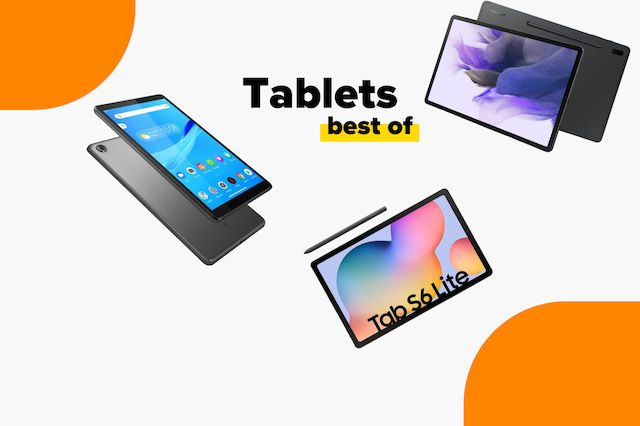
The best tablets on the market
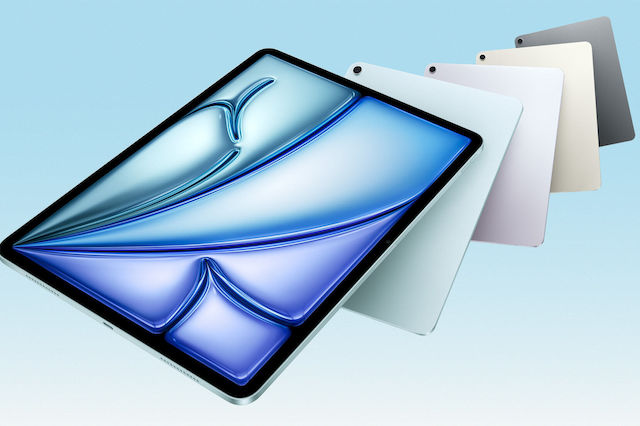
New iPad & iPad Air Announced
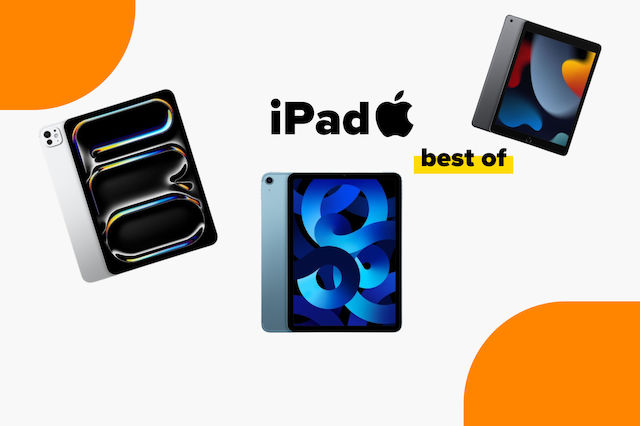
The best iPads on the market
Be the first to leave a comment!