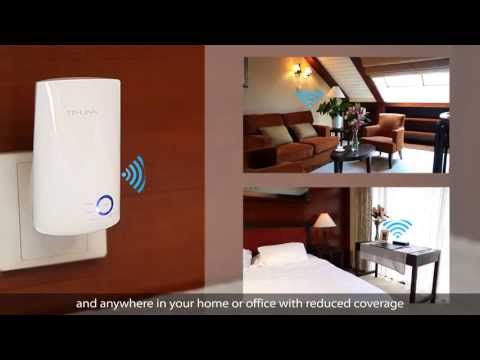
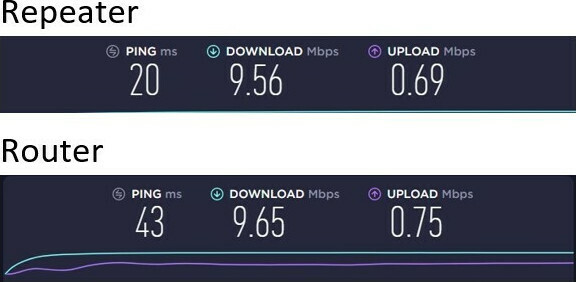
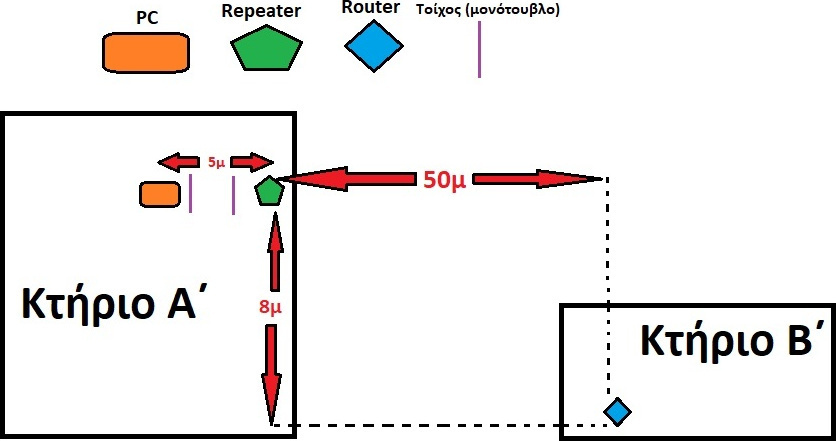
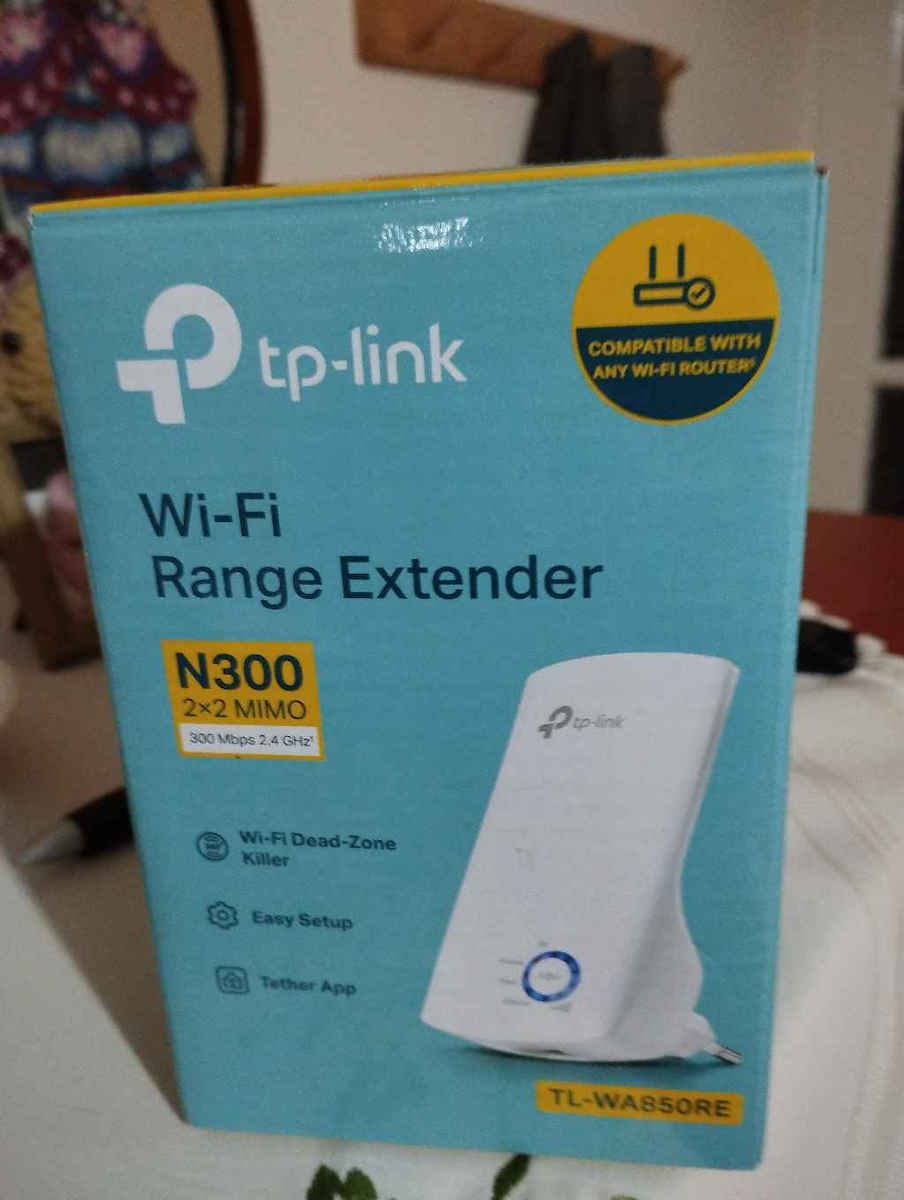
Tired of Wi-Fi "dead zones"? The TP-Link range extender wirelessly connects to your router, boosting and extending its signal. The device also reduces signal interference to ensure reliable Wi-Fi coverage throughout your home or office.
The TL-WA850RE connects wirelessly to the router, enhancing and extending its signal to areas it cannot reach on its own, achieving a speed of 300Mbps. The smart LED light indicator helps you quickly find the best location to install it, while the Ethernet port allows it to function as a wireless adapter for connecting wired devices.
Boost Your Wireless Network
Tired of Wi-Fi "dead zones"? The TP-Link range extender wirelessly connects to your router, boosting and extending its signal. The device also reduces signal interference to ensure reliable Wi-Fi coverage throughout your home or office.
Easy setup and flexible placement
Press the WPS button on your router and the Range Extender button on your 850RE within 2 minutes to easily connect to the network. Once connected to an existing router, you can simply unplug and plug the TL-WA850RE into a location for the best signal quality and coverage in your home, without needing to reconfigure the extender.
Ethernet Bridge
The Ethernet port of the TL-WA850RE allows the extender to function as a wireless adapter for connecting wired devices such as Blu-ray® players, game consoles, DVRs, and Internet TVs. At the same time, the device can also share the wireless network.
Smart Signal Indicator Light
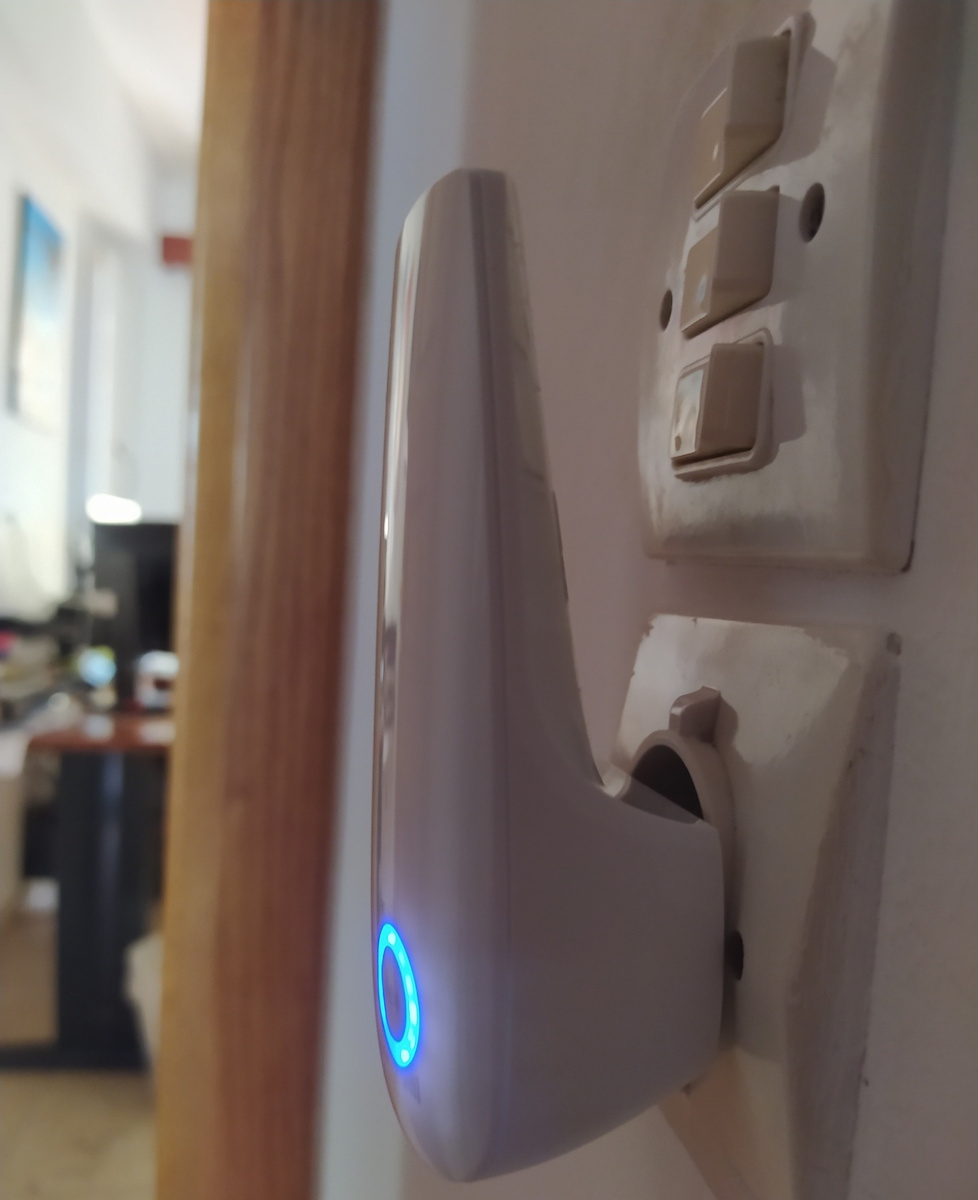
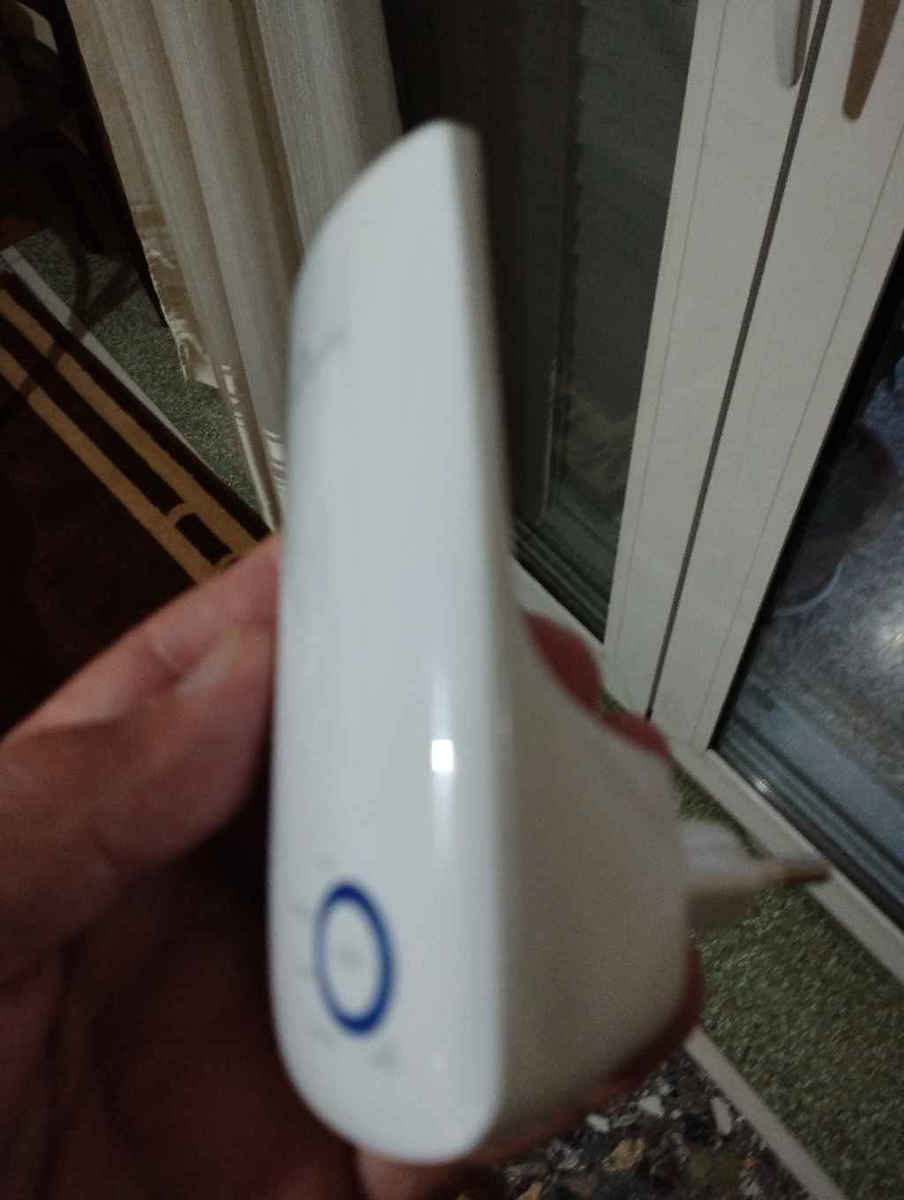
5 signal lights indicate the strength of the signal that the TL-WA850RE receives from the existing router, which can help in finding the right position for placing the range extender.
- Best
- Good
- Poor
It is recommended to choose a location where you have at least 3 blue signal LEDs to ensure good performance.
Tether App for Easy Use
Use any mobile device for easy access and management of various functions, including the LED night control mode, which allows you to enjoy a more peaceful night's sleep.
Technical Specifications
- Ethernet Ports
- 1
- LAN speed
- 100 Mbps
- USB
- Without
- Number of Antennas
- 1
- Passthrough
- No
Wi-Fi Features
- Frequency
- Single Band (2.4GHz)
- Maximum WLAN Speed
- 300 Mbps
- Wi-Fi Generation
- Wi‑Fi 4
- IEEE Networking Standards
- 802.11 b/g/n, 802.11a
Features & Functions
- Mesh
- No
- WPS Button
- Yes
Installation
- Socket
- Yes
- Desktop
- No
- Outdoor
- No
Important information
Specifications are collected from official manufacturer websites. Please verify the specifications before proceeding with your final purchase. If you notice any problem you can report it here.