Good evening and happy month,
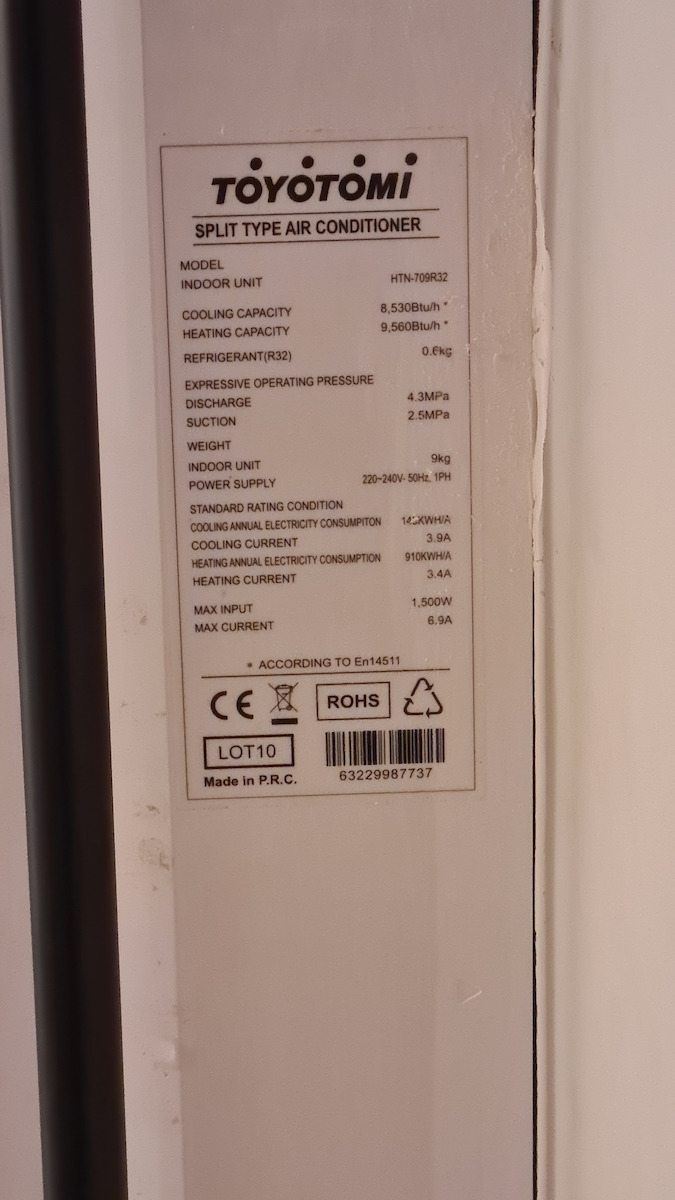
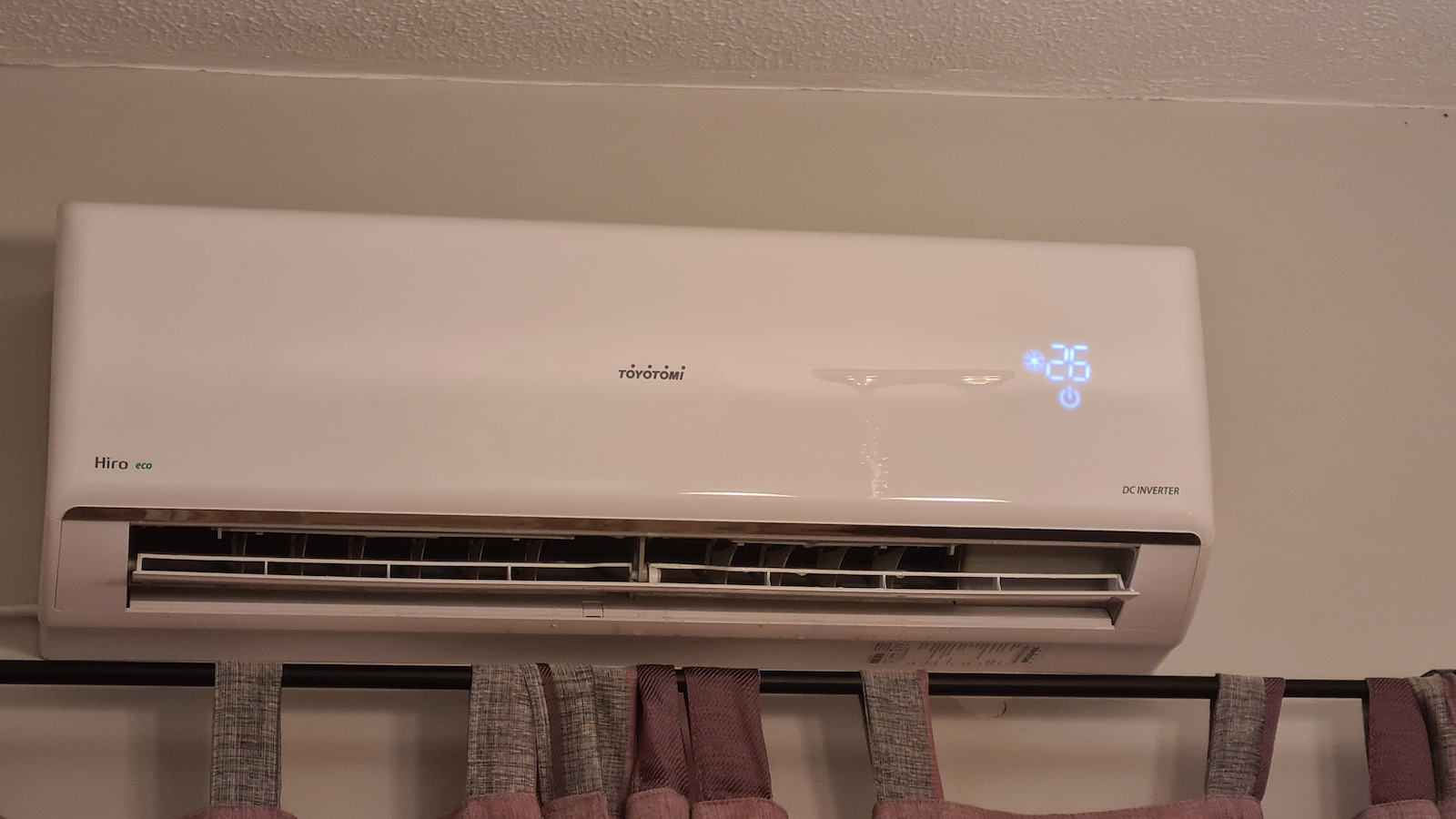
I also want to share my experience with this air conditioner with you, as I have installed it in two houses. In one, it is in the living room, around 38 square meters, and in the other, in a room around 20 square meters. 12000 Btu in both. I am very satisfied with the purchase of the first one, which is why I bought it again. I can say that it meets my needs in both cases, especially in the second one. I won't talk about features, etc., as it has everything a consumer needs for their air conditioner. In terms of quality, I would say it is above average, without any creaking or surprises regarding the materials. Many complain about the wifi, and I will say rightfully so, to some extent. The first one, for example, connected immediately. The second one gave me a bit of trouble. But before I start blaming the second one, I will tell you how I managed to connect it and I will provide it hoping that it will help others as well.
On the first day, I followed the instructions in the leaflet, but nothing happened. Then, after a few more attempts, I downloaded the Gree app, which is essentially the same company, but still nothing. I gave up after a couple of hours of continuous attempts. The next day, I turned it on for ten minutes and thought, let me try again, just like that, without restarting the router, without removing any extenders from my network, nothing. Everything that the leaflet said from step 10 and onwards.
- I turn off the A/C.
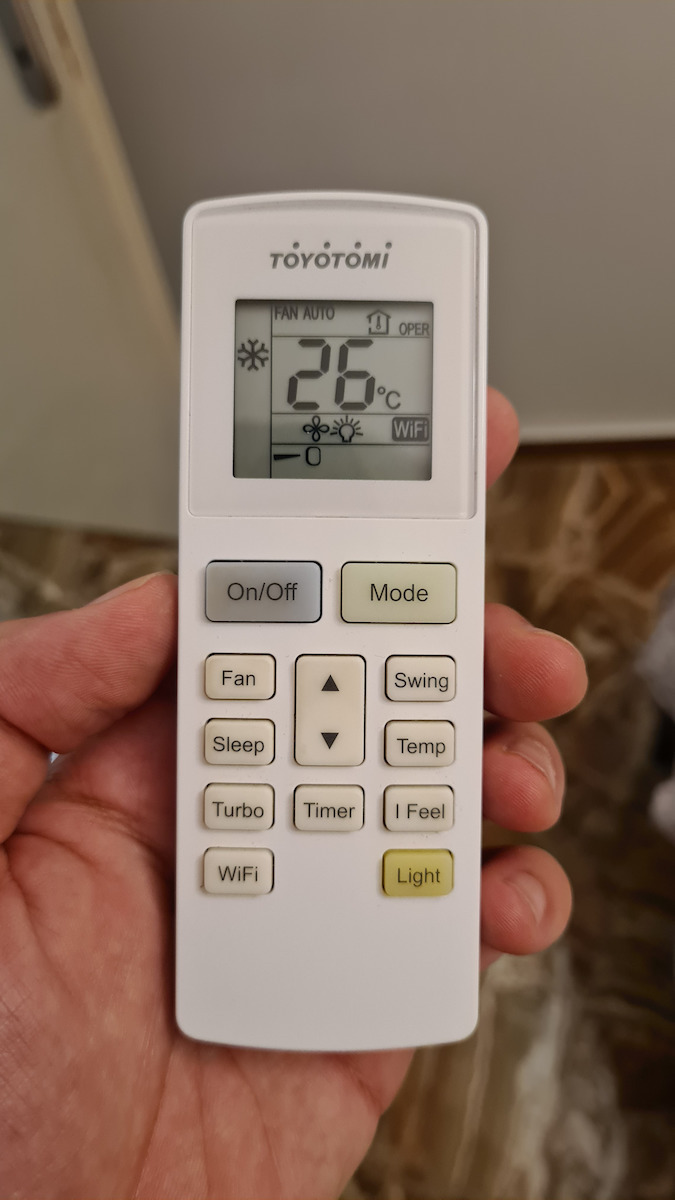
- I press mode + wifi.
- I open the app and press the + button on the top right.
I select air conditioner, it shows me the screen, I press mode + wifi, and below, I press the button "I have done this action" or something like that, to start loading the bar.
- In the meantime, I go to the wifi settings on my phone while the bar is loading, and I see the hotspot ac...76 (it will be something else on your device), I press it and enter the password. It connects, and then I switch back to my own network.
- I go back to the app, and the bar is still loading. After ten seconds, it takes me to the next screen where you select the hotspot. Next.
- I select my wifi.
- The pairing starts.
- And voila, it tells me it's connected, give a name to your device, and we're done.
In short, the leaflet was useless.
Conclusion: If it doesn't work on the first try, of course, try again a second and third time. If not, leave it and try again after a while, maybe a day, once you have used it normally.
That's all from me, otherwise, it's a very good product, I highly recommend it. 4 stars for the trouble it caused me.
Have a great day.
Be the first to leave a comment!