Evaluarea se referă la 65” QE65Q60AA care a fost achiziționată la 575€ final ca un cadou pentru părinții mei (printr-o ofertă a unei rețele cunoscute în combinație cu o acțiune de returnare a energiei de la o bancă grecească) cu scopul de a face upgrade de la un CRT SABA de peste 20 de ani. Au trecut 5 luni de când o am în mâini și scriu această evaluare.
Trebuie să menționez că televizorul este folosit în principal pentru vizionarea canalelor prin satelit, dar și pentru canale IPTV (și secundar pentru canalele DIGEA). Nu folosim aplicații de tip Netflix, Cosmote TV.
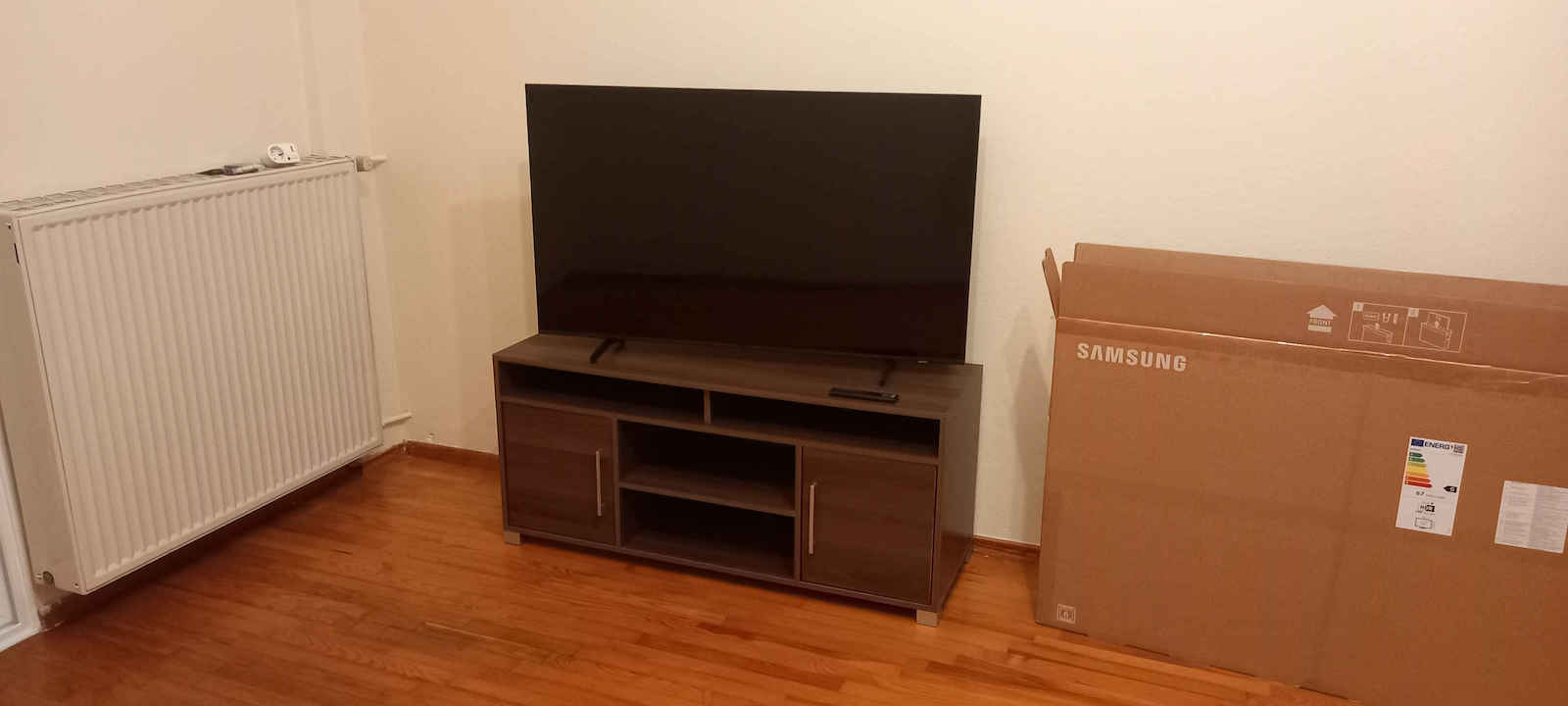
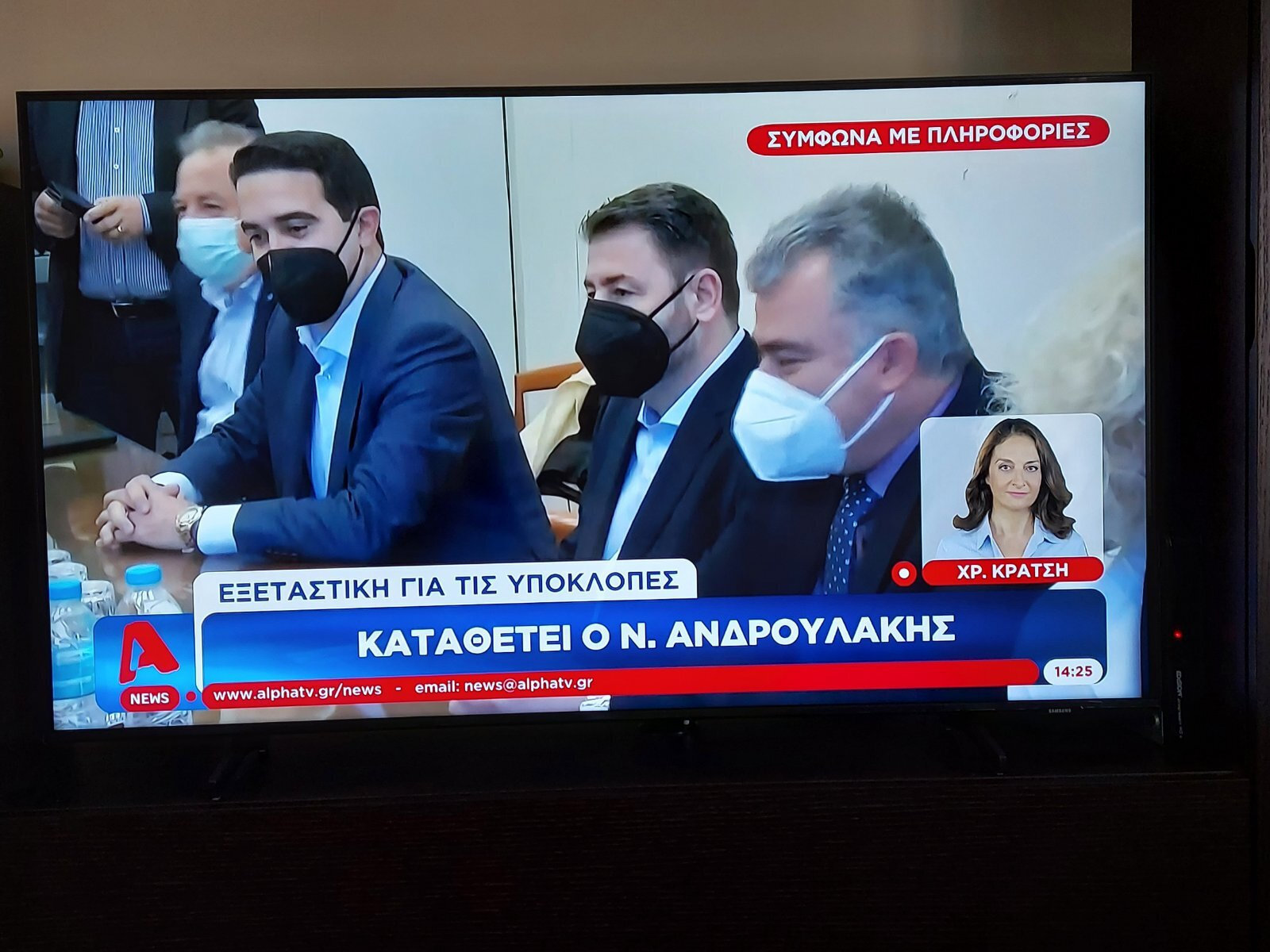
Calitatea construcției: Așa cum au menționat și mulți alții mai sus, este foarte slabă și televizorul necesită o atenție deosebită la transport, dar și la curățare. De fapt, televizorul meu a venit cu o linie de pixeli arși aproape de cadru (vezi fotografia relevantă) care cred că a apărut în timpul transportului, totuși este ceva ce observi doar dacă stai la 30 cm de televizor, deci nu mă deranjează și nu pare că pixeli din apropiere se ard după 5 luni de utilizare.
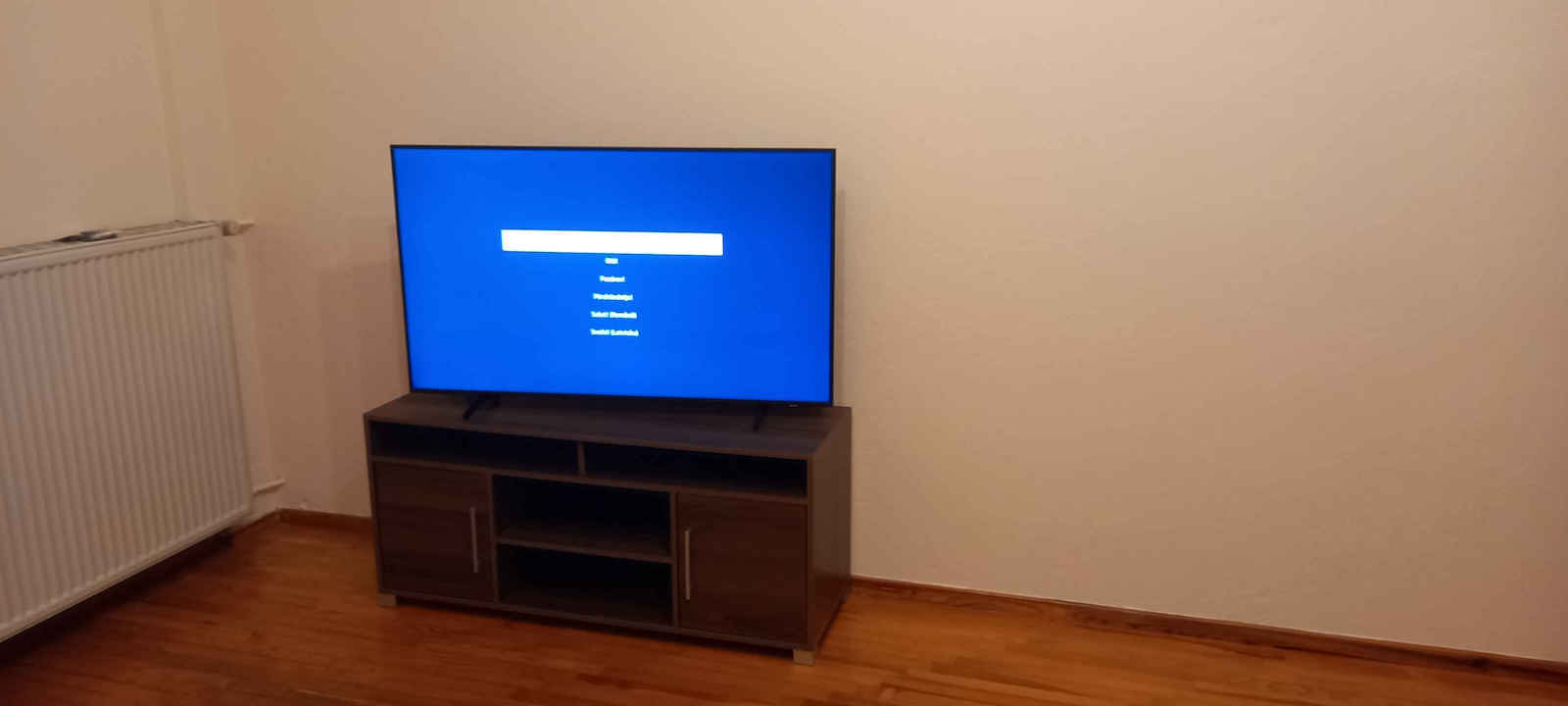
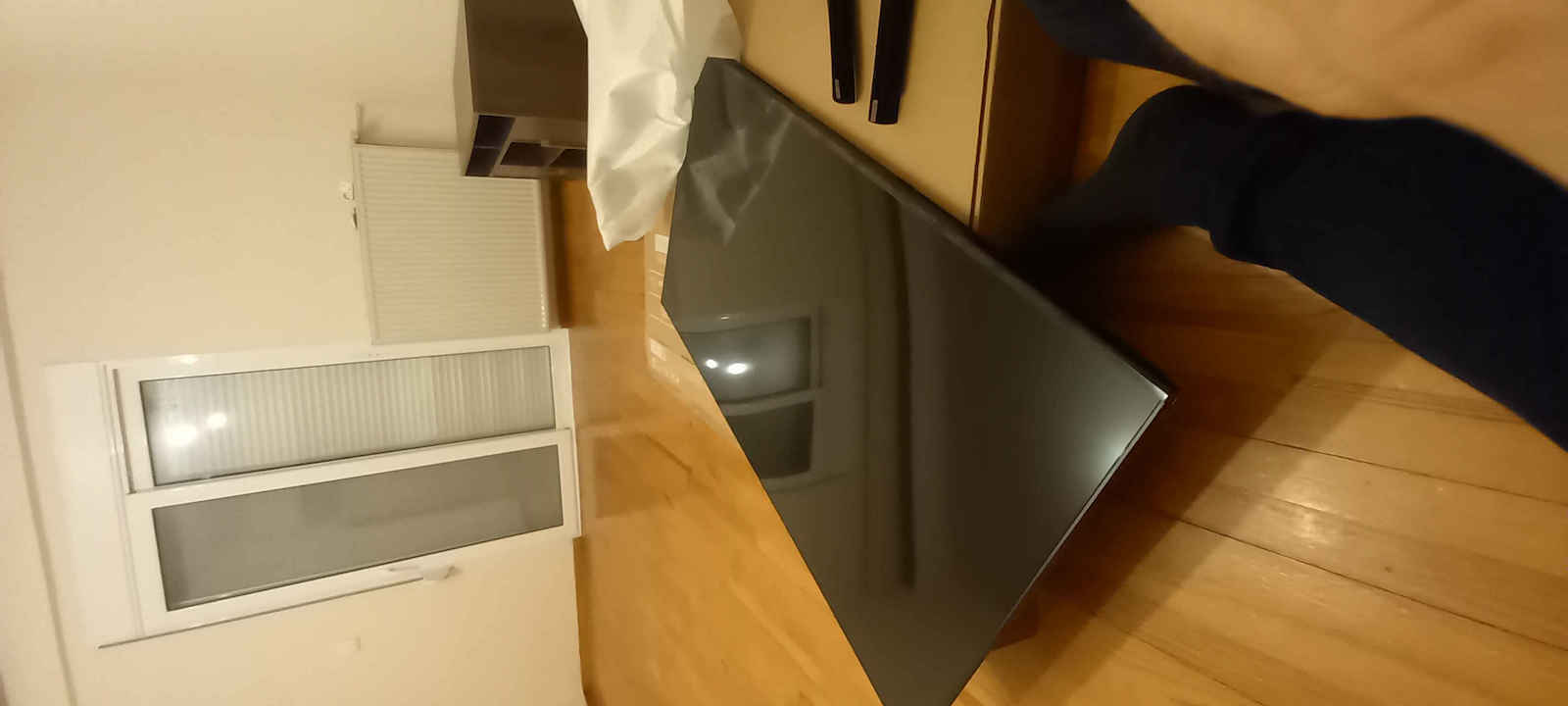
Imagine: Este cu adevărat minunată atât în culori, cât și în contrast! De fapt, există o tehnologie de la Samsung (pe care o poți dezactiva dacă te deranjează) numită Motion Xcelerator care îmbunătățește mișcarea și fluiditatea cadrelor, oferind mai mult realism imaginii. În ceea ce privește negrul, nu este OLED și, așa cum se vede într-o fotografie, în special în colțurile superioare, se observă backlight bleeding care, totuși, nu deranjează decât atunci când există bare negre sus și jos din cauza diferenței de rezoluție și aspect ratio (doar noaptea, desigur, ziua nu îți dai seama). În plus, dacă televizorul tău vede o fereastră, vei avea nevoie de perdele (vezi fotografia relevantă). Consider că unghiurile de vizionare sunt bune, totuși nu aș sta mai mult de 50 de grade de la centru, deoarece este un panou VA. Nu suportă HDMI 2.1, VRR și nu este 120Hz, așa că nu o recomand pentru gamerii hardcore. De asemenea, nu suportă Dolby Vision. În cele din urmă, HDR10+ este suportat normal.
Sunet: Este normal pentru un televizor din această categorie. Desigur, dacă ești pretențios, trebuie să iei un soundbar. Personal, conectez televizorul prin Bluetooth la Hi-Fi-ul pe care îl am când am oameni acasă. De multe ori, Bluetooth-urile au latență (întârziere-lag) în conectivitate și astfel există o problemă de desincronizare a imaginii și sunetului, problemă pe care nu pare să o aibă acest televizor (l-am testat, așa cum am spus, cu conexiune Bluetooth la Hi-Fi, dar și cu căști și un difuzor portabil fără ca această întârziere să fie sesizabilă). La capitolul negativ este că nu are intrare de 3.5mm și nu este suportat sunetul DTS și DTS:X.
Conectivitate: L-am conectat cu tot ce îți poți imagina și nu m-a dezamăgit. Am testat HDD-uri externe, SSD-uri, stick-uri USB, dar și o telecomandă/keyboard wireless USB (vezi fotografia relevantă) pe care am cumpărat-o pentru a facilita navigarea (sfat pentru cei care se gândesc să folosească un keyboard wireless: butoanele telecomenzii se traduc în Function Keys și ESC-ul keyboard-ului, iar dacă apăsăm ctrl+alt+del se face restart la TV, totuși nu am găsit încă cum pot să o dezactivez/activez de pe keyboard, iar tastele media Play, Pause, Volume Up/Down la mine cel puțin nu funcționează, totuși există posibilitatea relevantă folosind Function keys). De asemenea, nu am reușit să schimb limba tastaturii wireless din engleză în greacă.
Aplicații: Din păcate, nu este Android TV, așa că uitați de KODI, totuși software-ul său (Tizen) are o mulțime de aplicații, pentru a menționa câteva - Video: Netflix, YouTube, Amazon Prime Video, Apple TV, Rakuten TV, ERTFlix, Cosmote TV. Sunet: Spotify, Deezer, Apple Music, TIDAL. Radio: Mytuner radio (are și multe stații grecești). Din telecomunicații am găsit doar Google Duo. Pentru IPTV are multe aplicații, cea mai cunoscută fiind OttPlayer, care funcționează foarte bine, unde îți creezi canalele de pe desktop-pc fără a necesita mai multe acțiuni pe TV (în afară de conectarea la contul tău, desigur).
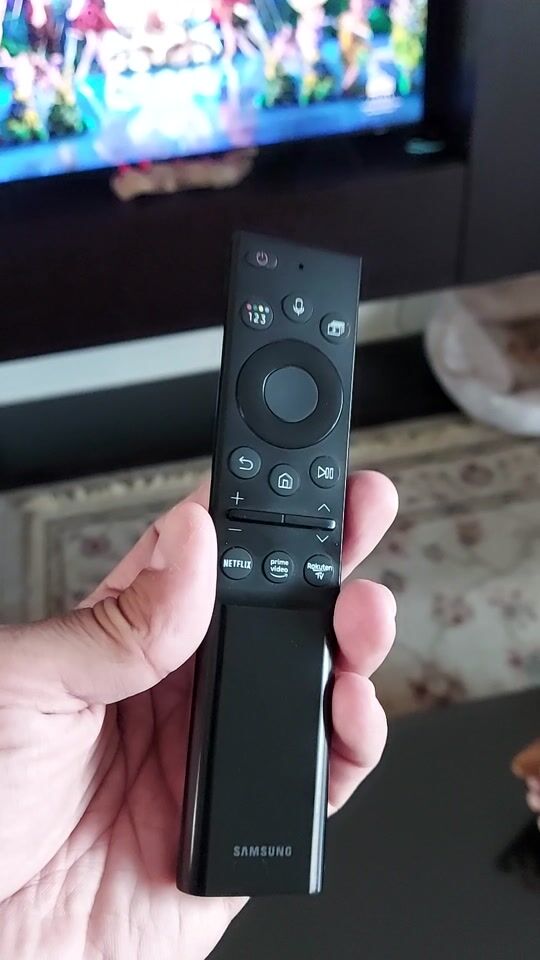
Familiaritate pentru utilizator: Nu mi se pare că este familiară pentru utilizatorul mediu. Telecomanda, deși este modernă, se încarcă cu soarele, dar și cu cablu type-c, are foarte puține butoane și unele dintre ele sunt complet inutile (de exemplu, ce să fac cu butoanele pentru Netflix, Prime Video și Rakuten). Au pus numerele și cele 4 butoane colorate într-un singur buton pe telecomandă, complicând incredibil navigarea! În plus, comutarea între canalele de satelit și antenă este relativ dificilă, va trebui să țineți apăsat butonul ghidului (CH) și apoi să faceți comutarea în colțul din dreapta sus al meniului (în loc să o pună pe un buton pe telecomandă, au făcut o întreagă știință din asta). Sortarea canalelor este destul de consumatoare de timp, mai ales când ai de-a face cu peste 1000 de canale de satelit (te obligă de asemenea să îți faci o listă de favorite pentru că în listele inițiale nu poți face sortare). Televizorul te limitează la limbile sale, dar și la limbile pe care le tastezi (din fericire are engleză și greacă, dar personal mi-ar plăcea să aibă limbi suplimentare, de exemplu, rusă, pe care le are de altfel pe YouTube).
Funcționalitate: Nu am găsit să se blocheze nicăieri și nu întârzie să pornească. Rețineți că pentru a face streaming 4K aveți nevoie de o conexiune de 50 Mbps (și să sperați că prindeți cel puțin 25 mbps).
Raport calitate-preț: Pentru ceea ce oferă și dimensiunea sa, precum și cei 575€ pe care i-am dat, consider că merită. Desigur, vom vedea și cât va rezista în timp.
Η αξιολόγηση αφορά την 65” QE65Q60AA η οποία αγοράστηκε στα 575€ τελική ως δώρο στους γονείς μου (μέσω προσφοράς γνωστής αλυσίδας σε συνδυασμό ενέργειας επιστροφής από ελληνική τράπεζα) με σκοπό την αναβάθμιση από CRT SABA 20ετίας+. Έχουν περάσει 5 μήνες από τότε που την έχω στα χέρια μου και γράφω την συγκεκριμένη αξιολόγηση.
Να αναφέρω ότι η τηλεόραση χρησιμοποιείται κυρίως για την προβολή δορυφορικών καναλιών αλλά και για συνδρομητικά κανάλια IPTV (και δευτερευόντως για τα κανάλια της DIGEA). Εφαρμογές τύπου Netflix, Cosmote TV δεν χρησιμοποιούμε.
Ποιότητα κατασκευής: Όπως έχουν αναφέρει και πολλοί άλλοι παραπάνω είναι πολύ κακή και η TV χρειάζεται ιδιαίτερης προσοχής στην μεταφορά αλλά και στον καθαρισμό. Μάλιστα σ’ εμένα η τηλεόραση ήρθε με μια γραμμή από καμένα pixels κοντά στο πλαίσιο (δείτε σχετική φωτογραφία) που νομίζω ότι προέκυψε κατά την μεταφορά της ωστόσο είναι κάτι που παρατηρείς μόνο αν κάτσεις στα 30cm κοντά στην τηλεόραση άρα δεν με ενοχλεί και δεν φαίνεται να καίγονται τα pixels παραδίπλα μετά από ένα 5μηνο χρήσης που την έχω.
Εικόνα: Πραγματικά είναι υπέροχη και σε χρώματα και σε αντίθεση! Μάλιστα υπάρχει μια τεχνολογία της Samsung (που μπορείς να την απενεργοποιήσεις αν σε ενοχλεί) που ονομάζεται Motion Xcelerator και βελτιώνει την κίνηση και την ομαλότητα των καρέ, δίνοντας περισσότερο ρεαλισμό στην εικόνα. Ως προς τα μαύρα δεν είναι OLED και όπως φαίνεται σε μια φωτογραφία, ειδικά στις άνω γωνίες, φαίνεται το backlight bleeding που ωστόσο δεν ενοχλούν παρά μόνο όταν υπάρχουν οι μαύρες μπάρες πάνω και κάτω λόγω διαφοράς ανάλυσης και aspect ratio (μόνο το βράδυ φυσικά, την ημέρα δεν το καταλαβαίνεις). Επιπλέον, αν η τηλεόραση σας βλέπει κάποιο παράθυρο, θα χρειαστείτε κουρτίνες (δείτε σχετική φωτογραφία). Οι γωνίες θέασης θεωρώ ότι είναι καλές ωστόσο δεν θα καθόμουνα παραπάνω από 50 μοίρες από το κέντρο καθώς πρόκειται για VA panel. Δεν υποστηρίζει hdmi 2.1, VRR και δεν είναι 120hz κατά αυτόν τον τρόπο δεν την προτείνω για hardcore gamers. Δεν υποστηρίζει επίσης το Dolby Vision. Τέλος, το HDR10+ υποστηρίζεται κανονικά.
Ήχος: Είναι νορμάλ για τηλεόραση της κατηγορίας της. Βέβαια αν είστε απαιτητικοί πρέπει να πάρετε soundbar. Προσωπικά συνδέω την τηλεόραση μέσω Bluetooth με το Hi-Fi που έχω όταν έχω κόσμο στο σπίτι. Πολλές φορές τα Bluetooth έχουν latency (καθυστέρηση-lag) στην συνδεσιμότητα και έτσι υπάρχει πρόβλημα αποσυγχρονισμού εικόνας-ήχου, πρόβλημα που δεν φαίνεται να έχει η συγκεκριμένη τηλεόραση (την έχω δοκιμάσει, όπως είπα, με bluetooth σύνδεση σε Hi-Fi αλλά και με ακουστικά και φορητό ηχείο χωρίς να είναι αισθητή η συγκεκριμένη καθυστέρηση). Στα αρνητικά είναι ότι δεν έχει υποδοχή 3.5mm και δεν υποστηρίζεται ο ήχος DTS και DTS:X.
Συνδεσιμότητα: Την έχω συνδέσει με ό,τι μπορέσετε να φανταστείτε και δεν έχει απογοητεύσει. Έχω δοκιμάσει φορητούς HDD, SSD, USB sticks αλλά και ένα ασύρματο τηλεκοντρόλ/πληκτρολόγιο usb (δείτε σχετική φωτογραφία) που αγόρασα για να διευκολύνω την πλοήγηση (tip για όσους σκέφτονται να χρησιμοποιήσουν ασύρματο πληκτρολόγιο: τα κουμπιά του τηλεκοντρόλ μεταφράζονται στα Function Keys και το ESC του πληκτρολογίου ενώ αν πατήσουμε ctrl+alt+del γίνεται επανεκκίνηση της TV ωστόσο δεν έχω βρει ακόμη πως μπορώ να την απεν/ενεργοποιήσω από το keyboard ενώ τα media keys Play, Pause, Volume Up/Down σε μένα τουλάχιστον δεν λειτουργούν ωστόσο υπάρχει η σχετική δυνατότητα με χρήση των Function keys. Επίσης δεν έχω καταφέρει να αλλάξω την γλώσσα του ασύρματου πληκτρολογίου στα ελληνικά από τα αγγλικά).
Εφαρμογές: Δυστυχώς δεν είναι android tv άρα ξεχάστε το KODI ωστόσο το λογισμικό της (Tizen) έχει ένα πλήθος από εφαρμογές, για να αναφέρω μερικές - Βίντεο: Netflix, YouTube, Amazon Prime Video, Apple TV, Rakuten TV, ERTFlix, Cosmote TV. Ήχος: Spotify, Deezer, Apple Music, TIDAL. Ραδιόφωνο: Mytuner radio (έχει και πολλούς ελληνικούς σταθμούς). Από τηλεπικοινωνία βρήκα μόνο το Google Duo. Για IPTV έχει πολλές εφαρμογές με πιο γνωστή την OttPlayer που δουλεύει μια χαρά όπου φτιάχνεις τα κανάλια από το desktop-pc σου χωρίς να απαιτείται παραπάνω ενέργειες στην TV (πέραν της σύνδεσης στο account σου φυσικά).
Οικειότητα προς τον χρήστη: Δεν μου φαίνεται να είναι οικεία στον μέσο χρήστη. Το τηλεκοντρόλ αν και είναι μοντέρνο φορτίζει με τον ήλιο αλλά και με καλώδιο type-c, έχει πολύ λίγα κουμπιά και κάποια από αυτά είναι εντελώς άχρηστα (πχ τι να τα κάνω τα κουμπιά για Netflix, prime video και Rakuten). Βάλανε τους αριθμούς και τα 4 χρωματιστά κουμπιά σε μόλις ένα κουμπί στο κοντρόλ δυσκολεύοντας απίστευτα την πλοήγηση! Επιπλέον, η εναλλαγή από κανάλια δορυφόρου και κεραίας είναι σχετικά δύσκολη, θα πρέπει να πατήσετε κρατημένο το κουμπί του οδηγού (CH) και μετά να κάνετε την εναλλαγή πάνω δεξιά στο menu (αντί δηλαδή να το βάλουν σε ένα κουμπί στο κοντρόλ το έχουν κάνει ολόκληρη επιστήμη). Το sort των καναλιών είναι αρκετά χρονοβόρο ειδικά όταν έχεις να κάνεις με 1000+ δορυφορικά κανάλια (σε αναγκάζουν επίσης να φτιάξεις λίστα αγαπημένα γιατί στις αρχικές λίστες δεν μπορείς να κάνεις sort). Η τηλεόραση σε περιορίζει στις γλώσσες της αλλά και στις γλώσσες που πληκτρολογείς (ευτυχώς έχει αγγλικά και ελληνικά αλλά προσωπικά θα ήθελα να έχει επιπλέον γλώσσες πχ τα Ρωσικά, τα οποία τα διαθέτει βέβαια στο YouTube).
Λειτουργικότητα: Δεν την έχω βρει να κολλάει πουθενά και δεν αργεί να ανοίξει. Υπόψιν σας ότι για να στριμάρετε 4Κ θέλετε 50ρα γραμμή (και να εύχεστε να πιάνετε τουλάχιστον 25mbps).
Σχέση ποιότητας-τιμής: Για αυτά που προσφέρει και το μέγεθός της όπως και τα 575€ που έδωσα, θεωρώ ότι τα αξίζει. Βέβαια θα δούμε και πόσο θα αντέξει στο χρόνο.






fii primul care lasă un comentariu