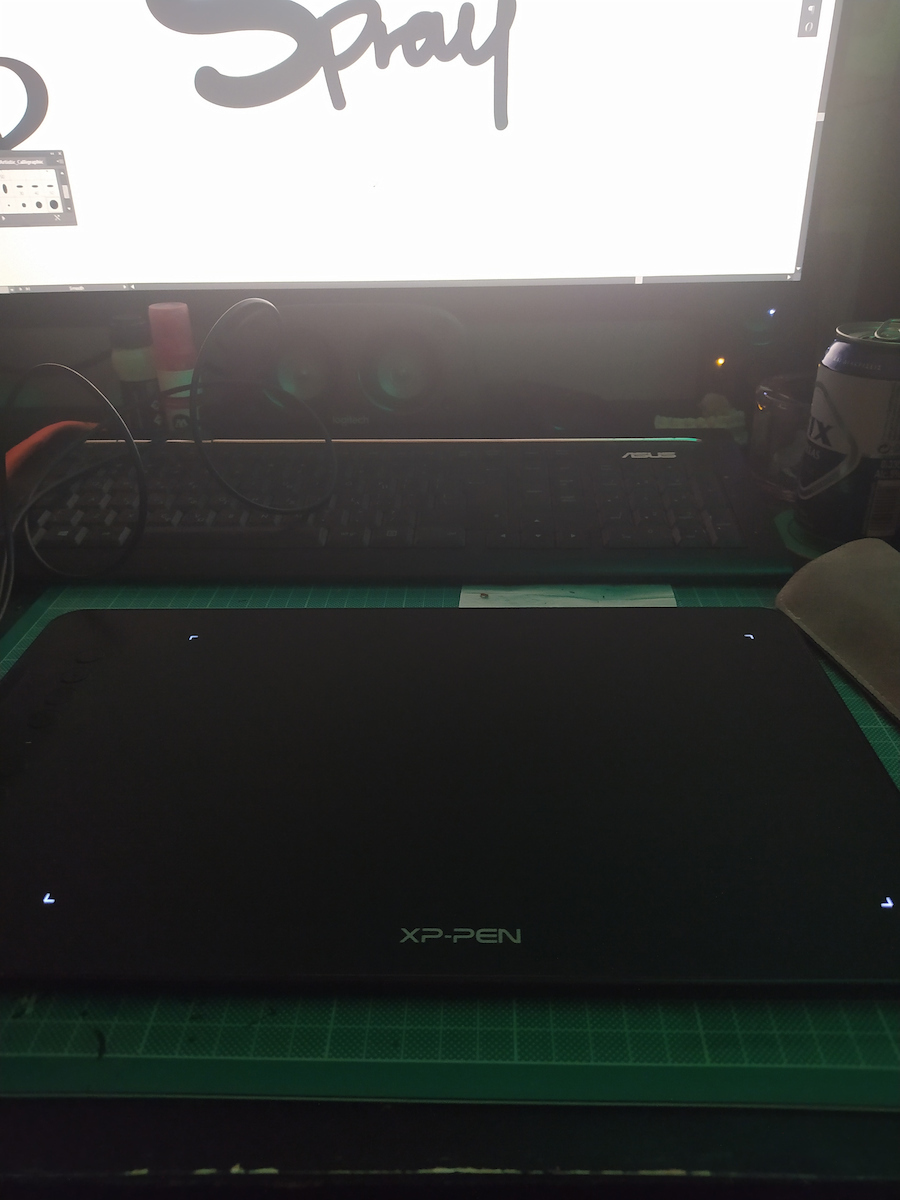
Sunt uimit până acum de calitatea acestui produs, plus extra-urile utile. Experiența mea anterioară cu stylus-uri a fost cu o tabletă Wacom fără ecran. Comparativ cu aceea, da, XP-Pen este mai sensibilă la presiune și are extra-uri, cum ar fi mănușa, suportul pentru stilou și folia de protecție pentru tabletă. Deci, personal, simt că a fost un upgrade.
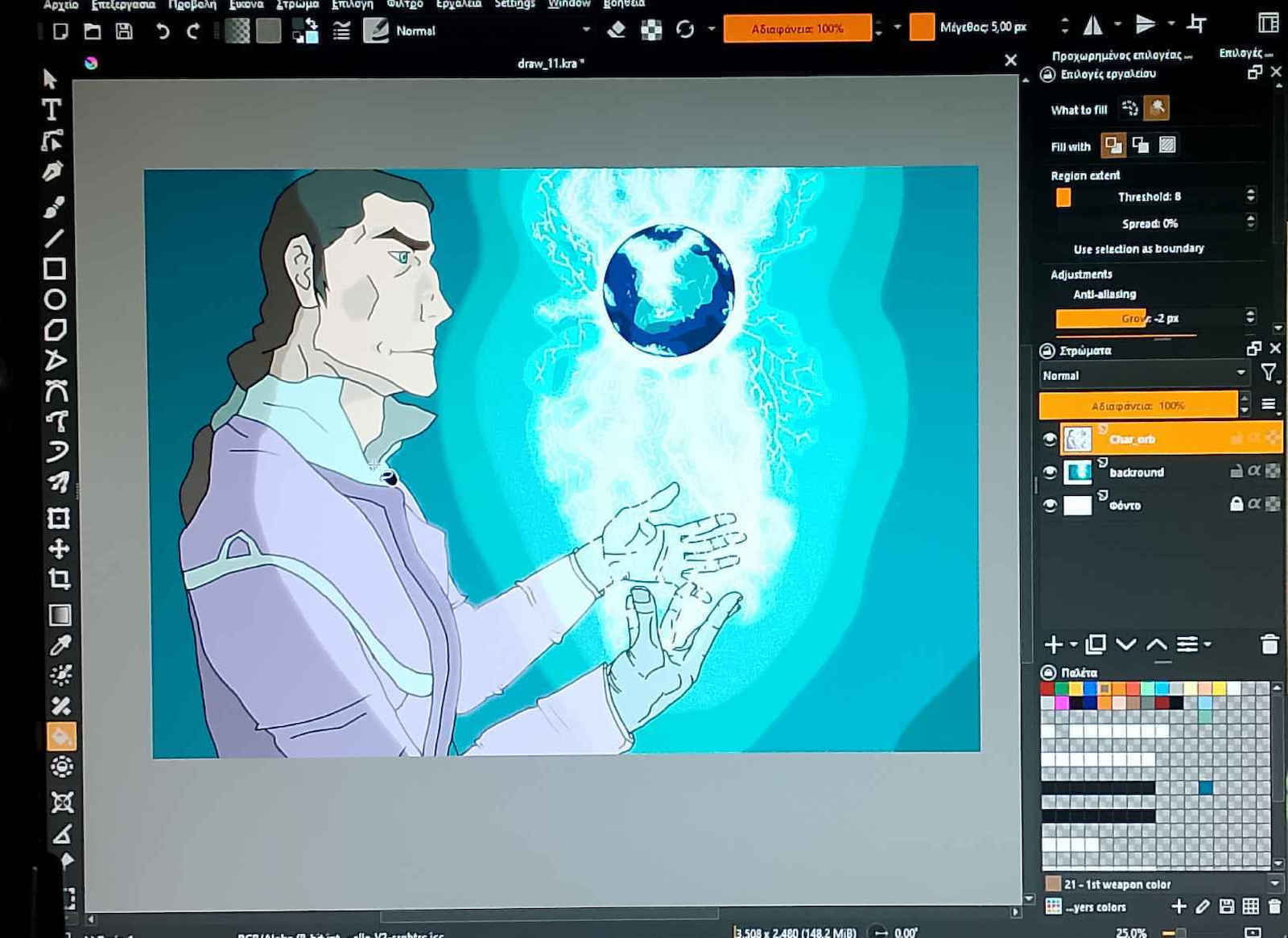
Utilizarea mea principală este pentru sculptură 3D și desenarea texturilor, acesta fiind motivul pentru care am vrut un stylus cu mai multă atenție la detaliile mișcărilor, astfel încât să pot sculpta detalii mici sau să schimb presiunea fără să fie nevoie să umblu mereu la setările din aplicație.
La avantaje:
-Tableta citește input-urile stiloului la o viteză surprinzătoare, așa că o pot folosi pentru scris de mână sau ca mouse.
-Inclinarea funcționează conform descrierii, poți ține stiloul oricum dorești și funcționează perfect la majoritatea unghiurilor (comparativ cu Wacom, care trebuia ținut drept în sus)
-Dispozitiv plug and play, poți folosi propriul său software pentru mai multă personalizare, care este practic și bine realizat, poți schimba curba de presiune, remapa toate butoanele la macro-uri și chiar remapa butoanele tabletei.
-Timp de răspuns bun de la butoanele tabletei, se simt ca butoanele de la tastatură
-Folia de protecție este foarte utilă pentru cei care se tem să nu zgârie suprafața și nu afectează deloc performanța
La dezavantaje:
-Mănușa este strâmtă pe degete și largă la încheietură, dar hei, nu mai murdărești dispozitivul și nu ți se mai lipește mâna de suprafață
-Există un mic inconvenient la citirea input-ului când miști stiloul prea repede, ca și cum ar sări 1-2 cadre. Se întâmplă aleatoriu, dar din fericire nu des. Poate apărea o dată la 2 ore de utilizare.
-Butonul stiloului este puțin lent și apăsarea pe suprafețe sau meniuri ca un mouse este uneori dificilă, dar te obișnuiești
I am amazed so far by the quality of this product plus the useful extras. Prior experience with pens was with a Wacom Tablet w/o display. Compared to that, yes the XP-Pen is more sensitive to pressure and has extras, like the glove, the pen stand and the protective film for the tablet. So personally I feel like it was an upgrade.
My main usage is for sculpting 3D and drawing textures, this is the reason why I wanted a pen with more attention to detail of movements so I can sculpt little details or change pressure without being in need of in-app settings all the time.
On the pros:
-The tablet reads pen inputs at a surprising speed so I can use it for handwriting or as a mouse.
-Tilting works as advertised, you can grab your pen however you like and it works perfectly at most angles (compared to the Wacom which had to point straight up)
-Plug and play device, you can use it's own software for more customization, which is practical and well made, you can change the pressure input curve, remap all buttons to macros and even remap the tablet buttons.
-Good response times from the tablet buttons, feels like your keyboard buttons
-The protective film is very useful for those who are afraid of scratching the surface and does not hinder performance at all
On the cons:
-The glove is a tight fit on the fingers and loose on the wrist but hey, you're no longer smudging your device or have your hand stick to the surface
-There is some slight inconvenience to input reading when you move the pen too fast, like skipping 1-2 frames. It happens randomly but thankfully not often. May happen once per 2 hours of usage.
-Pen buttons are a bit slow and clicking on surfaces or menus like a mouse is sometimes difficult but you get used to it