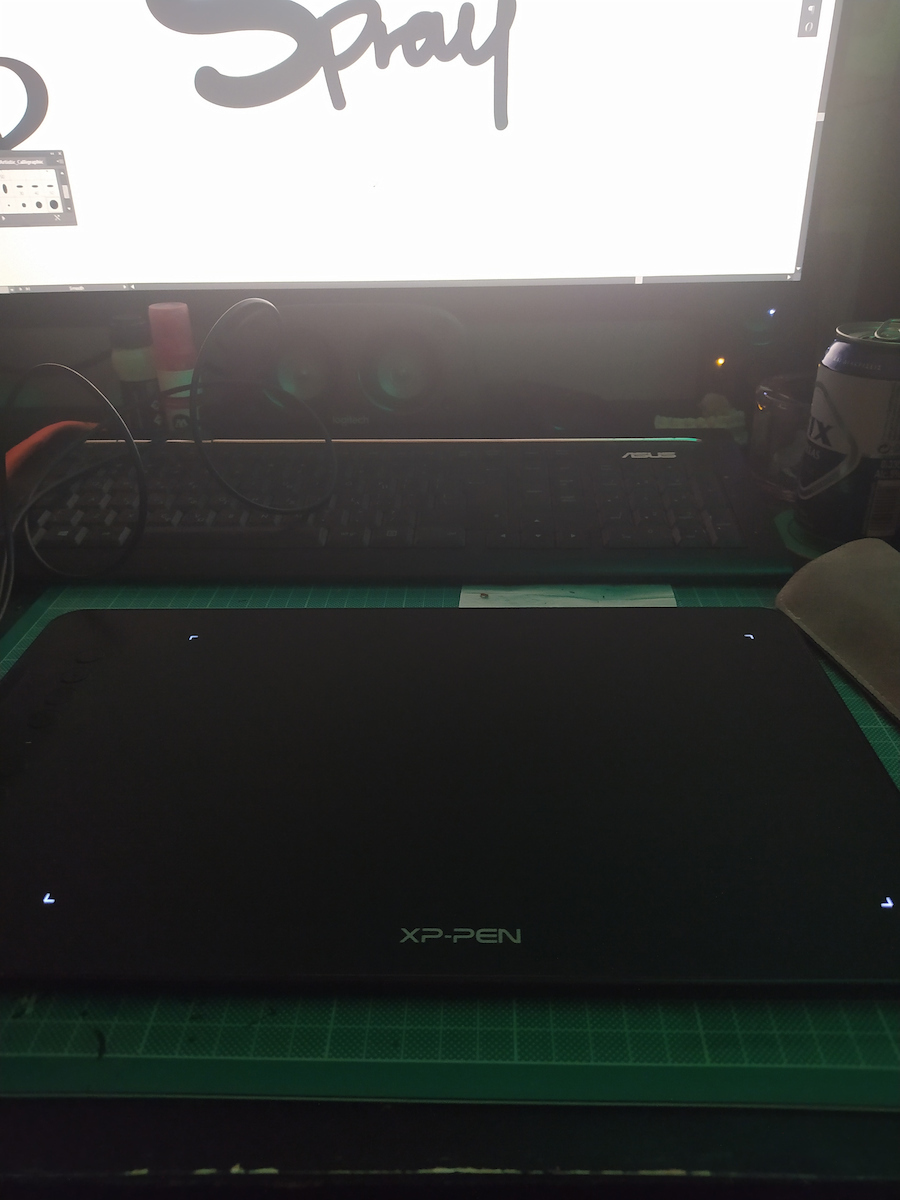
Ich bin bisher beeindruckt von der Qualität dieses Produkts plus den nützlichen Extras. Früherer Umgang mit Stiften war mit einem Wacom-Tablet ohne Display. Im Vergleich dazu ist das XP-Pen empfindlicher gegenüber Druck und hat Extras wie den Handschuh, den Stifthalter und die Schutzfolie für das Tablet. Persönlich fühle ich mich dadurch auf jeden Fall aufgewertet.
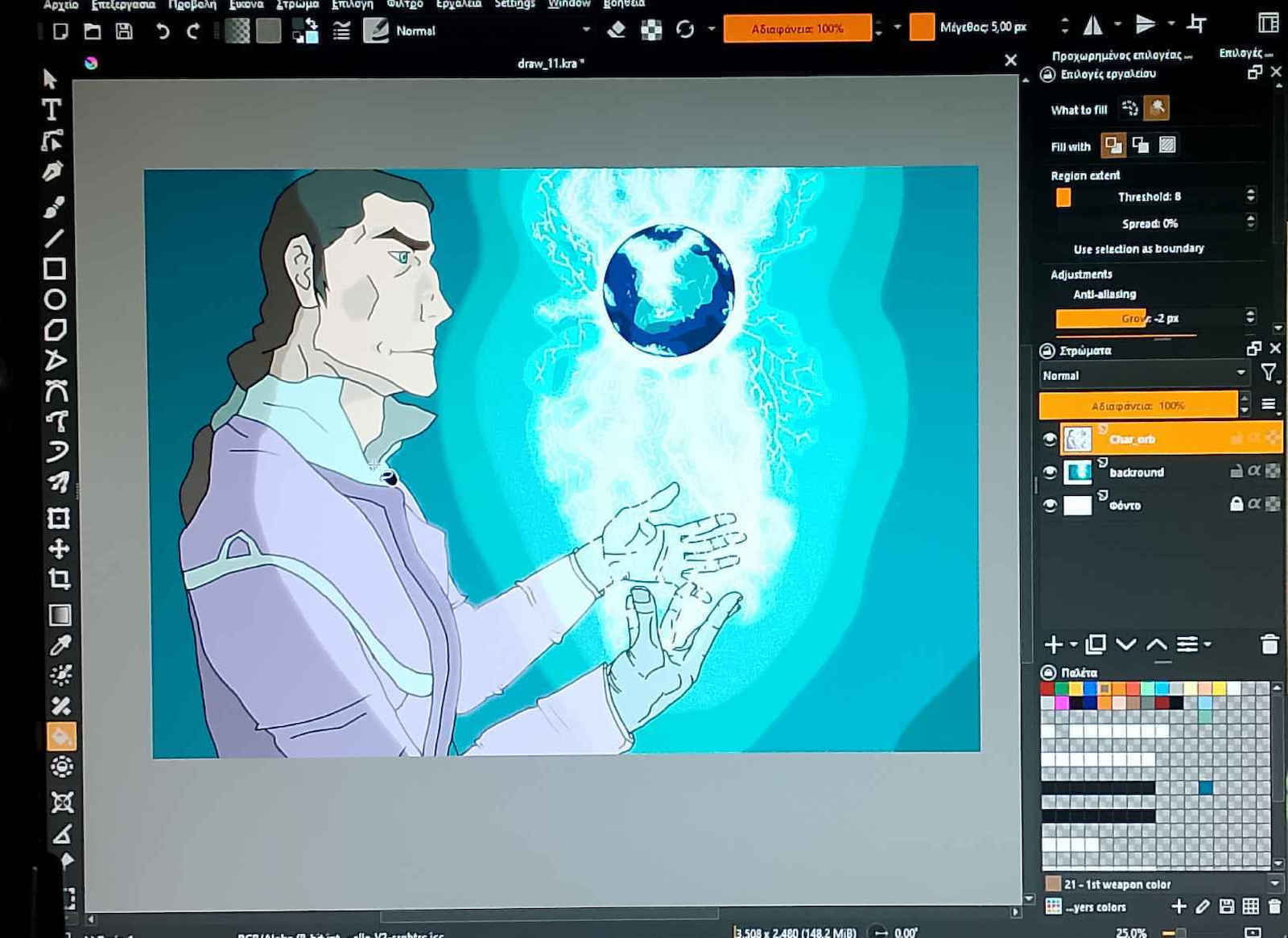
Mein Hauptanwendungsbereich ist das Sculpting in 3D und das Zeichnen von Texturen, weshalb ich einen Stift wollte, der auf Bewegungen mehr Aufmerksamkeit legt, damit ich kleine Details modellieren oder den Druck ändern kann, ohne ständig in den App-Einstellungen herumzuschrauben.
Zu den Vorteilen:
- Das Tablet erkennt Stift-Eingaben erstaunlich schnell, sodass ich es sowohl zum Handschreiben als auch als Maus verwenden kann.
- Das Kippen funktioniert wie beworben, man kann den Stift beliebig halten und er funktioniert bei den meisten Winkeln (im Vergleich zum Wacom, das senkrecht gehalten werden musste).
- Plug-and-Play-Gerät, man kann die eigene Software für mehr Anpassungen verwenden, was praktisch und gut gemacht ist. Man kann die Druckkurve anpassen, alle Tasten auf Makros umlegen und sogar die Tablet-Tasten neu belegen.
- Gute Reaktionszeiten der Tablet-Tasten, fühlt sich an wie Tastaturtasten.
- Die Schutzfolie ist sehr nützlich für diejenigen, die Angst vor Kratzern auf der Oberfläche haben, beeinträchtigt die Leistung aber überhaupt nicht.
Zu den Nachteilen:
- Der Handschuh sitzt eng an den Fingern und locker am Handgelenk, aber hey, so verschmutzt man das Gerät nicht mehr oder klebt die Hand nicht mehr an der Oberfläche.
- Es gibt eine leichte Verzögerung beim Eingabeverhalten, wenn man den Stift zu schnell bewegt, z.B. 1-2 Frames übersprungen. Das passiert zufällig, ist aber zum Glück nicht häufig. Vielleicht einmal alle 2 Stunden Nutzung.
- Die Tasten am Stift sind etwas langsam, und das Klicken auf Oberflächen oder Menüs wie bei einer Maus ist manchmal schwierig, aber man gewöhnt sich daran
I am amazed so far by the quality of this product plus the useful extras. Prior experience with pens was with a Wacom Tablet w/o display. Compared to that, yes the XP-Pen is more sensitive to pressure and has extras, like the glove, the pen stand and the protective film for the tablet. So personally I feel like it was an upgrade.
My main usage is for sculpting 3D and drawing textures, this is the reason why I wanted a pen with more attention to detail of movements so I can sculpt little details or change pressure without being in need of in-app settings all the time.
On the pros:
-The tablet reads pen inputs at a surprising speed so I can use it for handwriting or as a mouse.
-Tilting works as advertised, you can grab your pen however you like and it works perfectly at most angles (compared to the Wacom which had to point straight up)
-Plug and play device, you can use it's own software for more customization, which is practical and well made, you can change the pressure input curve, remap all buttons to macros and even remap the tablet buttons.
-Good response times from the tablet buttons, feels like your keyboard buttons
-The protective film is very useful for those who are afraid of scratching the surface and does not hinder performance at all
On the cons:
-The glove is a tight fit on the fingers and loose on the wrist but hey, you're no longer smudging your device or have your hand stick to the surface
-There is some slight inconvenience to input reading when you move the pen too fast, like skipping 1-2 frames. It happens randomly but thankfully not often. May happen once per 2 hours of usage.
-Pen buttons are a bit slow and clicking on surfaces or menus like a mouse is sometimes difficult but you get used to it