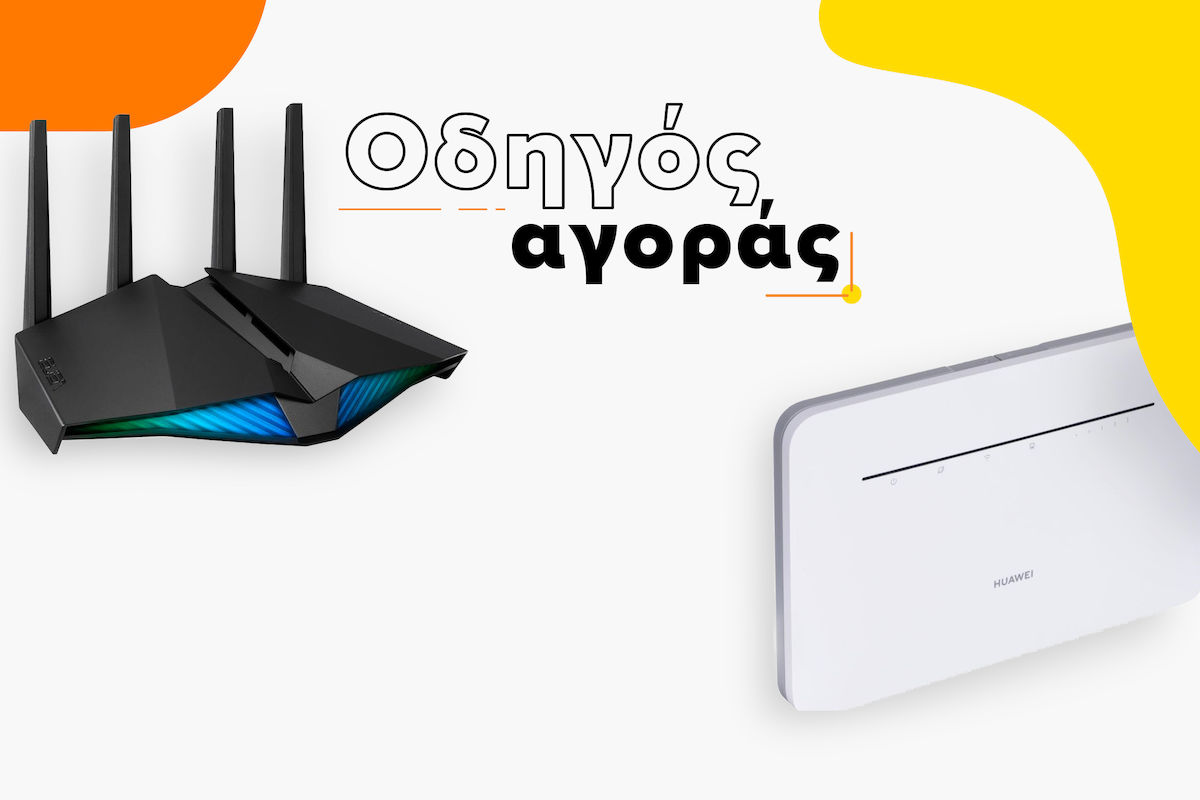

Buying Guide for DSL Modems/Routers - What to Look Out for Before You Buy
Looking for a new DSL modem or router?
Come and see their main features and which ones you should give more importance to, based on the use you want to make.
But before we start, what is the difference between a DSL Modem and a Router?
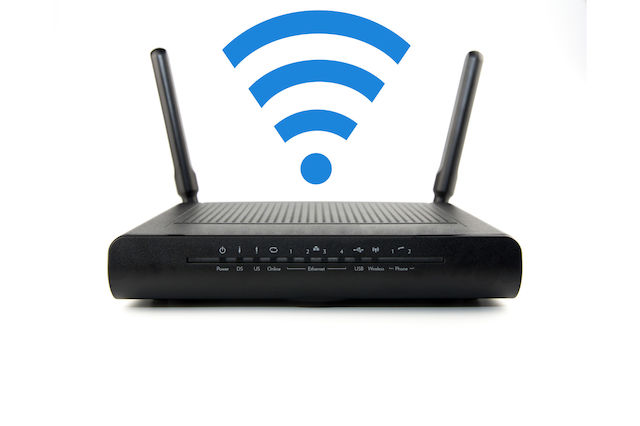
The modem is the device that provides internet access to the router, while the router is a device to which other devices are connected, (such as computers, mobile phones, televisions) either wirelessly or with a cable, and through it, internet access is shared. A router can have a built-in modem.
Did you know that? Now you know!
Main features
1. Compatibility:
To begin with, choose a modem/router that is compatible with your provider’s DSL technology.
ADSL2+
The oldest internet connection technology. It offers download speeds of up to 24 Mbps. Although once widespread, it is now considered outdated.
VDSL2
It offers much higher speeds compared to ADSL2+. It usually starts at 50Mbps and can reach 100Mbps or even 200Mbps, comfortably supporting triple play services (TV, telephony, internet) and seamless streaming. But be careful! If you have (or plan to get) a VDSL line at 200Mbps, make sure the modem/router you choose supports Super Vectoring (or Profile 35b). If it does not, your speed will be "stuck" at 100Mbps!
Do you have fiber optic (FTTH) at home?
Then you do not need a DSL Modem! Your line ends at a small box from the provider (ONT). For this setup, you need a simple Router (often more affordable) that you will connect to the ONT. If you still want to buy a DSL Modem/Router now but expect fiber optic in the future, make sure it has a WAN port (or LAN/WAN port) so you won’t have to throw it away!
Don’t have a fixed connection?
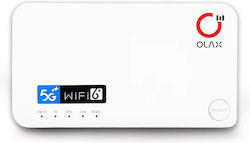
Then choose a router with 4G or 5G, that is, a router with a SIM card slot for wireless internet access via mobile networks.
5G offers significantly higher speeds than 4G!
2. Speed:
Check the modem/router’s maximum data transfer rate in Mbps and make sure it can support the maximum Internet speed of your connection, either via ethernet or wirelessly.
3. Wi-Fi Generation
The newer the Wi-Fi standard, the better the overall connection. To achieve the advertised speed, your device (mobile phone, laptop, etc.) must also support it.
Wi‑Fi 4 & 5: The older standards. Wi-Fi 5 is quite widespread and covers basic needs, but it falls behind newer ones in speed.
Wi‑Fi 6 & 6E: The modern Wi-Fi generation. They offer much faster speeds, the ability to connect many devices at the same time, and reduced interference from neighboring networks (especially 6E).
Wi-Fi 7: The brand-new and most powerful generation! Designed for fiber-optic speeds, Wi-Fi 7 takes speed to the next level, eliminates lag, and handles dozens of smart devices at the same time at home perfectly.
4. Smart Technologies
- MU-MIMO: Don’t let the name confuse you! It simply means your router can "talk" to many devices at the same time, with none of them waiting in line. Perfect if there are many of you at home!
- Beamforming: Instead of scattering the signal blindly, the router detects exactly where your phone is and sends the signal directly to it, improving range and stability!
- QoS (Quality of Service): It allows you to set priorities. For example, you can tell the router "gaming on the PC has priority," so you won’t experience lag when someone else at home is watching a movie on Netflix.
5. Range & Coverage
There are several factors that affect the device’s range, from where the router is placed and its distance from devices to physical obstacles such as walls.
However, there are also factors related to the router’s capabilities!
Let’s take a look at them.
Dual-band or Tri-band?
Most modern routers broadcast on two (2.4&5GHz) or even three frequencies.
Dual Band (2.4 & 5GHz): Broadcast signal on two frequencies at the same time. They offer very satisfactory speeds, relieve network congestion, and are ideal for the average home.
Tri-Band (2.4 & 2x 5GHz): Broadcast three separate signals! In newer models (e.g. with Wi-Fi 6E or Wi-Fi 7 standards), the third "lane" broadcasts at 6GHz. This is a brand-new and crystal-clear frequency that offers incredible speeds, exclusively for your newest devices, with absolutely no interference! In older Tri-Band models, the third band was simply a second 5GHz band.




Want to cover a large area? Try Mesh!
It is a complete home WiFi system with multiple access points, designed to eliminate dead zones and provide seamless WiFi throughout the home, with higher speeds and more devices.
Can't choose between Mesh or Extender? Watch the video!
6. Security
Connection protocols
Let’s start with the security protocols supported by the device for encrypting data transmitted wirelessly and helping protect against third-party connections to the network! Anything below WPA2 today is not considered secure. The newer & more secure protocols are:
WPA2- Personal
The WPA 2 protocol replaced WPA in 2004 and uses AES (Advanced Encryption Standard) technology, which is approved by the American government for classified documents. It is considered secure for home use.
WPA2 Enterprise
WPA2-Enterprise is intended for business use and provides increased security compared to WPA2-Personal.
WPA3 -Personal
WPA3 is the latest generation of WPA that will replace WPA 2 and offers even greater password protection, even when passwords are simple.
In addition, it makes connecting devices even easier and more secure compared to previous generations.
Firewall
The firewall is the guardian of your network. Two of the most basic technologies are NAT and SPI, which can also be used simultaneously for maximum security:
NAT (Network Address Translation): It is the mechanism that "hides" the addresses of all devices on your local network behind a single public address. This way, no one from outside can see your phone or laptop!
SPI (Stateful Packet Inspection): It works like a strict doorman. It thoroughly checks the data packets entering your network and recognizes patterns from known attacks (such as DDoS attacks). If it sees something suspicious, it shuts the door on it!
Address filtering
MAC address filtering (media access control) is the device’s ability to allow specific devices to connect, based on their unique MAC address, blocking any device with a MAC address that has not been defined as acceptable.
VPN
Finally, the VPN works like an intermediary between us and the rest of the internet. In this way, we can give the impression that we are geographically in another country and the pages we visit see the VPN address as the visitor, not the real one.
This provides us with anonymity and access to content with geographic restrictions. (e.g. some YouTube videos are available only in certain countries, the Netflix catalog differs depending on the country, etc.)
7. Ports
Take into account the number of LAN ports for wired Ethernet connection. If you need to connect many devices this way, choose a router with enough ports.
Landline phone (VoIP)
Did you know that nowadays almost all landline phones in Greece run through the internet (VoIP)? If you plan to put your provider’s device in the box and completely replace it with your own, your new modem/router must have a phone port (FXS) to connect your telephone device. Otherwise, you’ll be left without a landline!
Tip: You will also need to request the telephony credentials (VoIP codes) from your provider to set it up!
Do you know the use you intend it for? We’ll tell you the features you should pay attention to!
1. Gaming
Do you want the least possible delay and minimal lag for amazing gaming moments? What should you pay attention to?
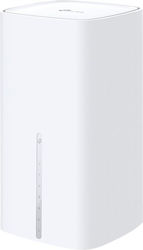
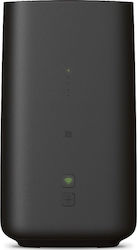
You should choose a powerful modem/router (or a pure router, if you have FTTH fiber at home), ideally with Wi-Fi 6 or Wi-Fi 7 standard.
Make sure it has QoS (Quality of Service) functionality so you can give absolute priority to your game over other devices (e.g. when someone else is watching a 4K movie in the next room).
And of course, it definitely must have Gigabit ethernet ports, for those critical moments when you want a wired connection for the ultimate "zero" lag!




2. Teleworking
Are you teleworking? Choose a router that matches the speed of your connection, with a Wi-Fi standard like that of your computer, and give great importance to security! Firewall, address filtering, and the ability to use VPN and WP3 security protocol.


3. Internet everywhere with you!
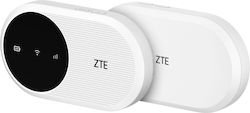
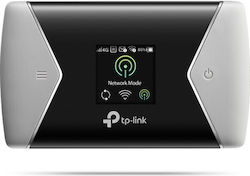
Want to have access to the internet at any time? Then choose a portable router with 5G speeds, if supported by the SIM as well, for a faster connection everywhere!





Relevant Articles
The best Modems / Routers

The Best Switches
Buyer's Guide for Switches

Be the first to leave a comment!