Το Συγκεκριμένο πληκτρολόγιο είναι membrane(μεμβράνη) και κοστίζει γύρω στα 50-60 ευρώ μαζί με μεταφορικά/αντικαταβολή αλλά πέφτει συχνά στα 30-35 ευρώ.
Μέχρι τώρα είναι 10/10 θα δείξει μετά από 1-2 χρόνια άμα αξίζει η όχι
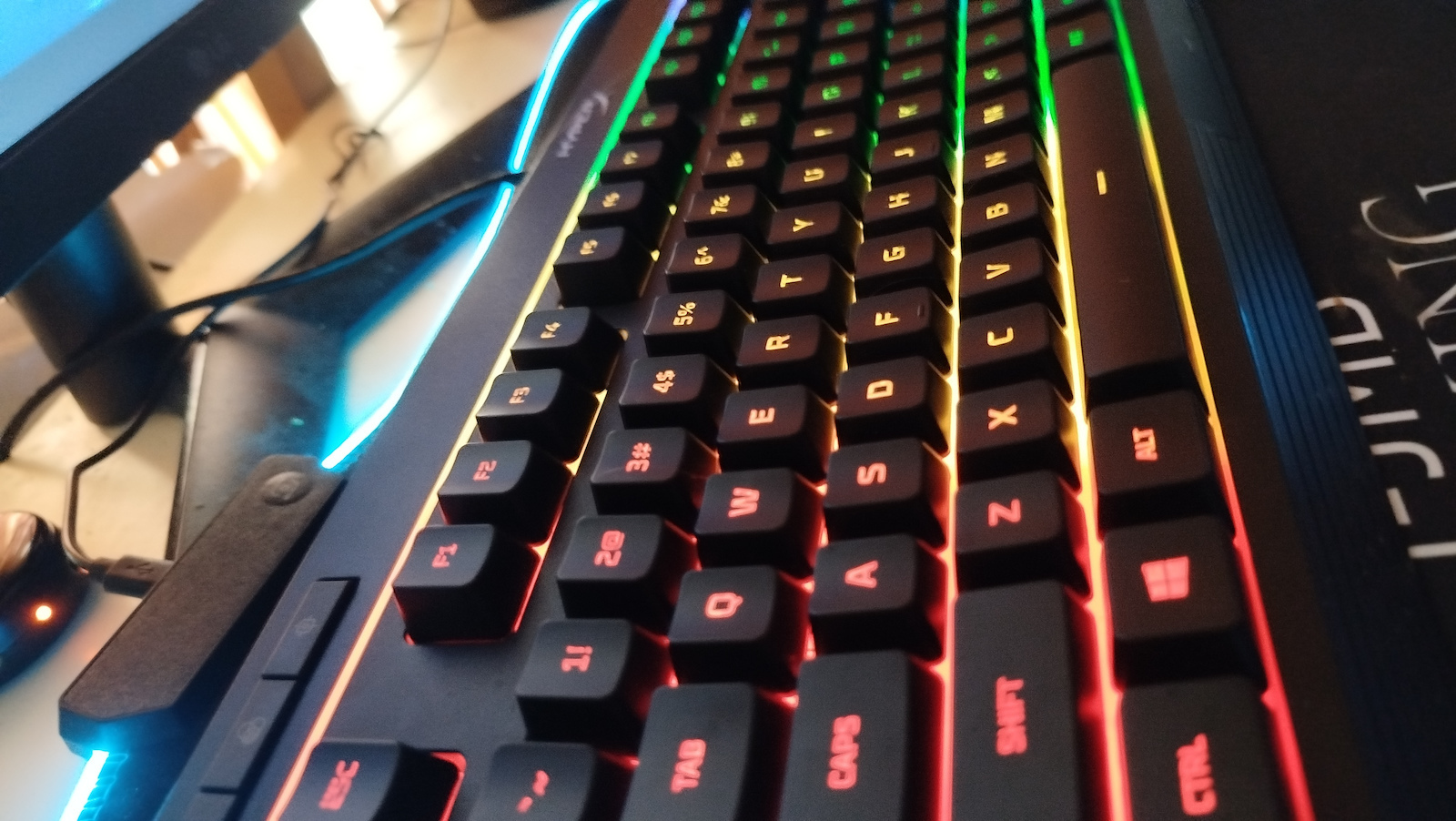
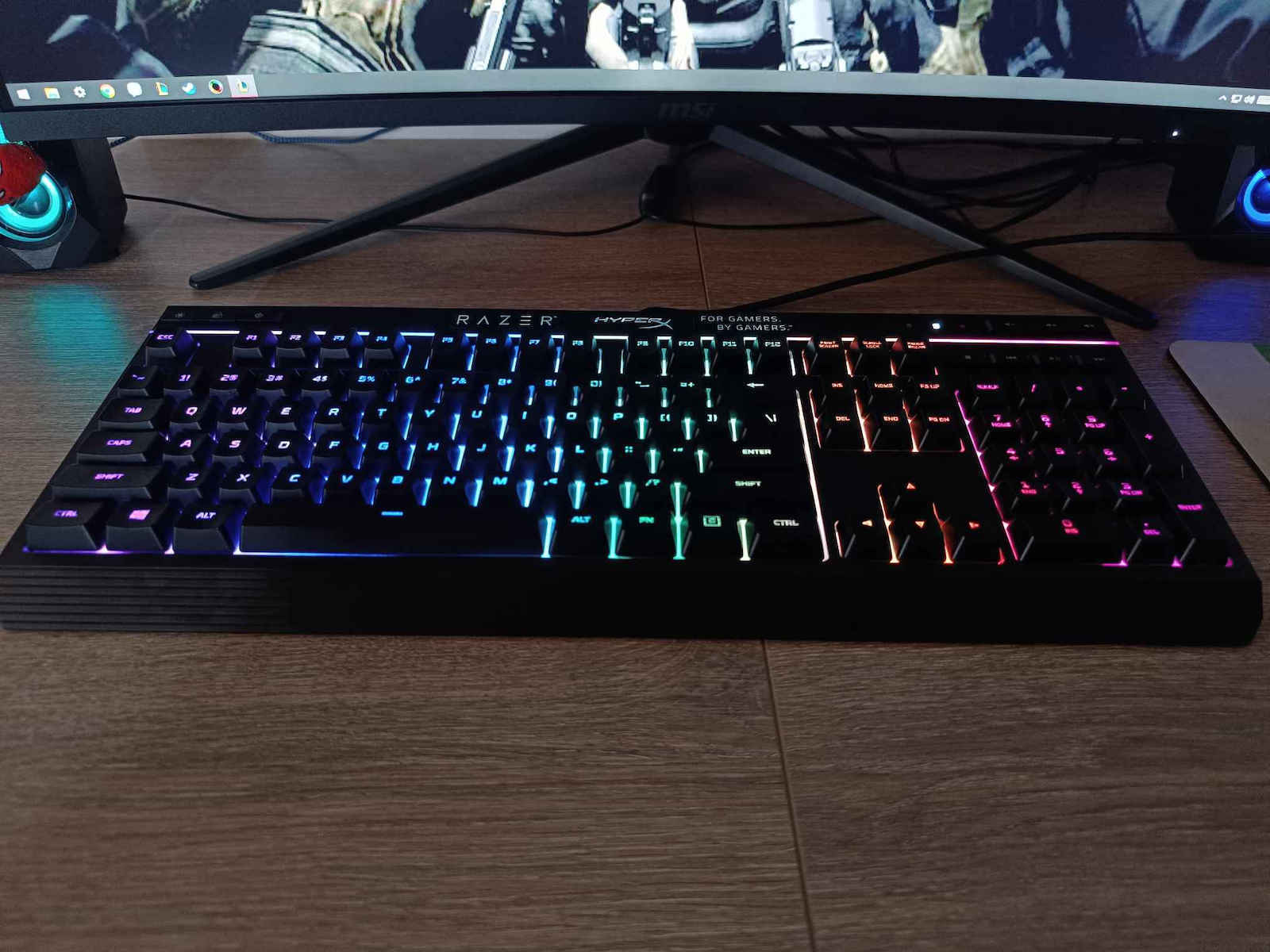
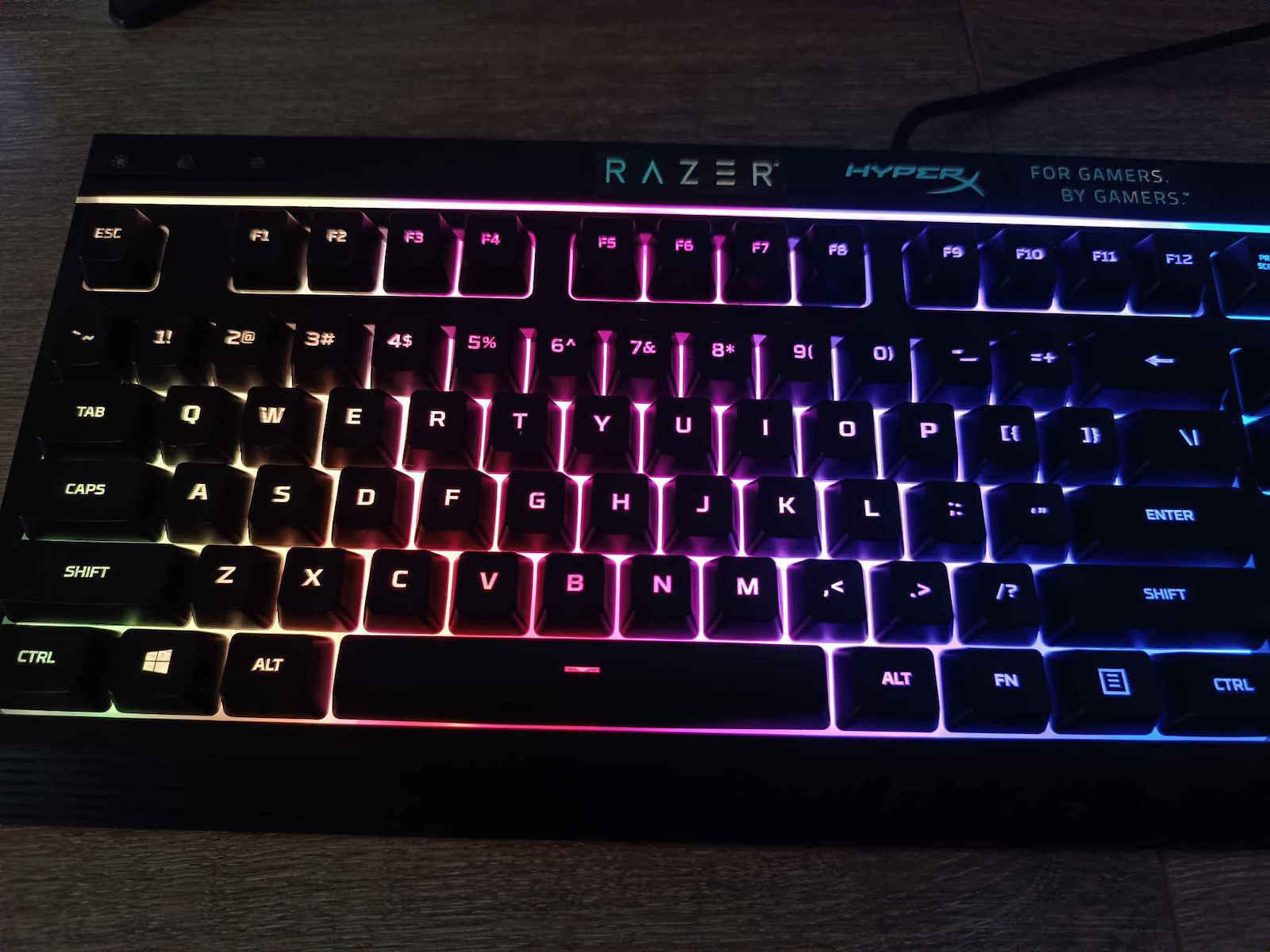
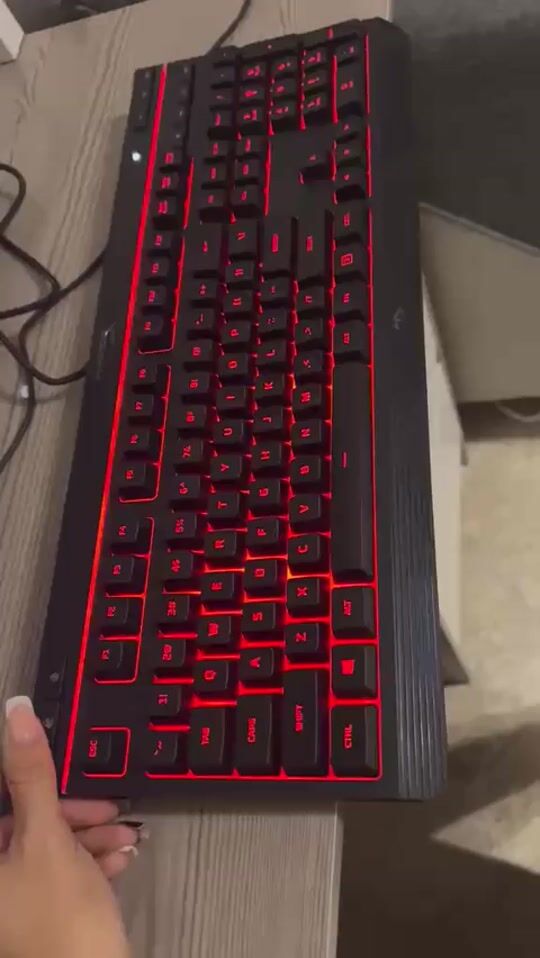
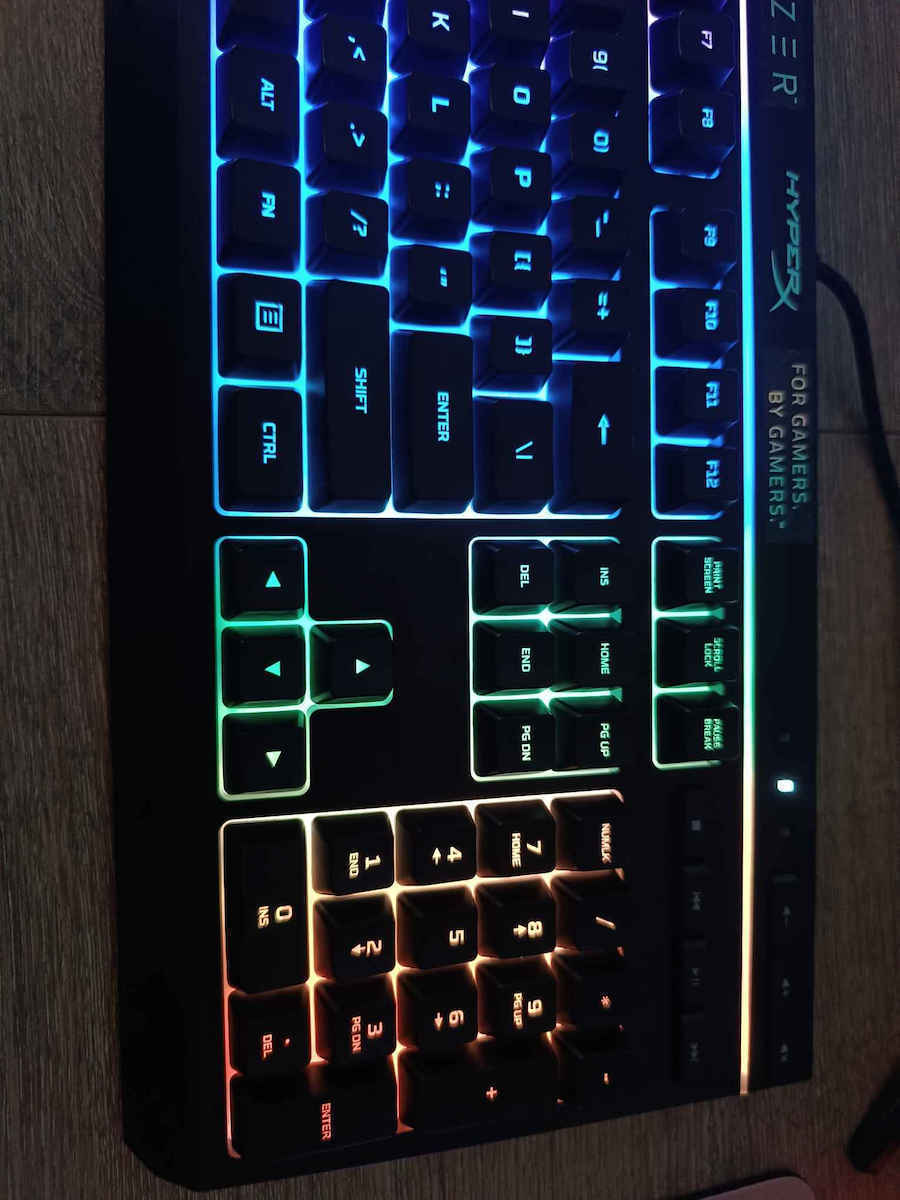
Τώρα που το χρησιμοποιώ είναι άριστο, έχει ξεχωριστά media key(volume up/down,Play/Pause etc.), κουμπί για να κλείδωση το windows start και Κουμπιά για να ελέγξεις τον Φωτισμό.
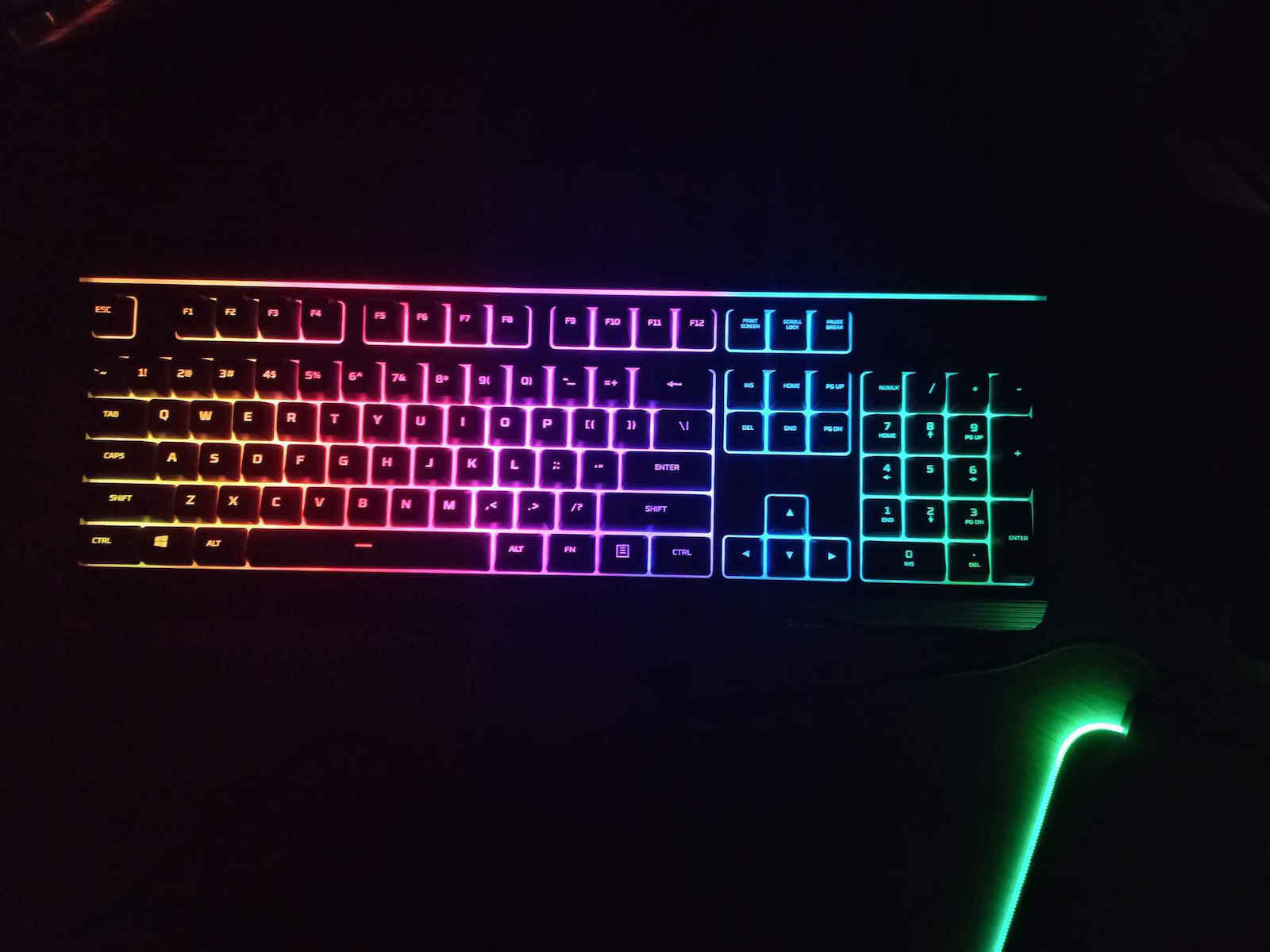
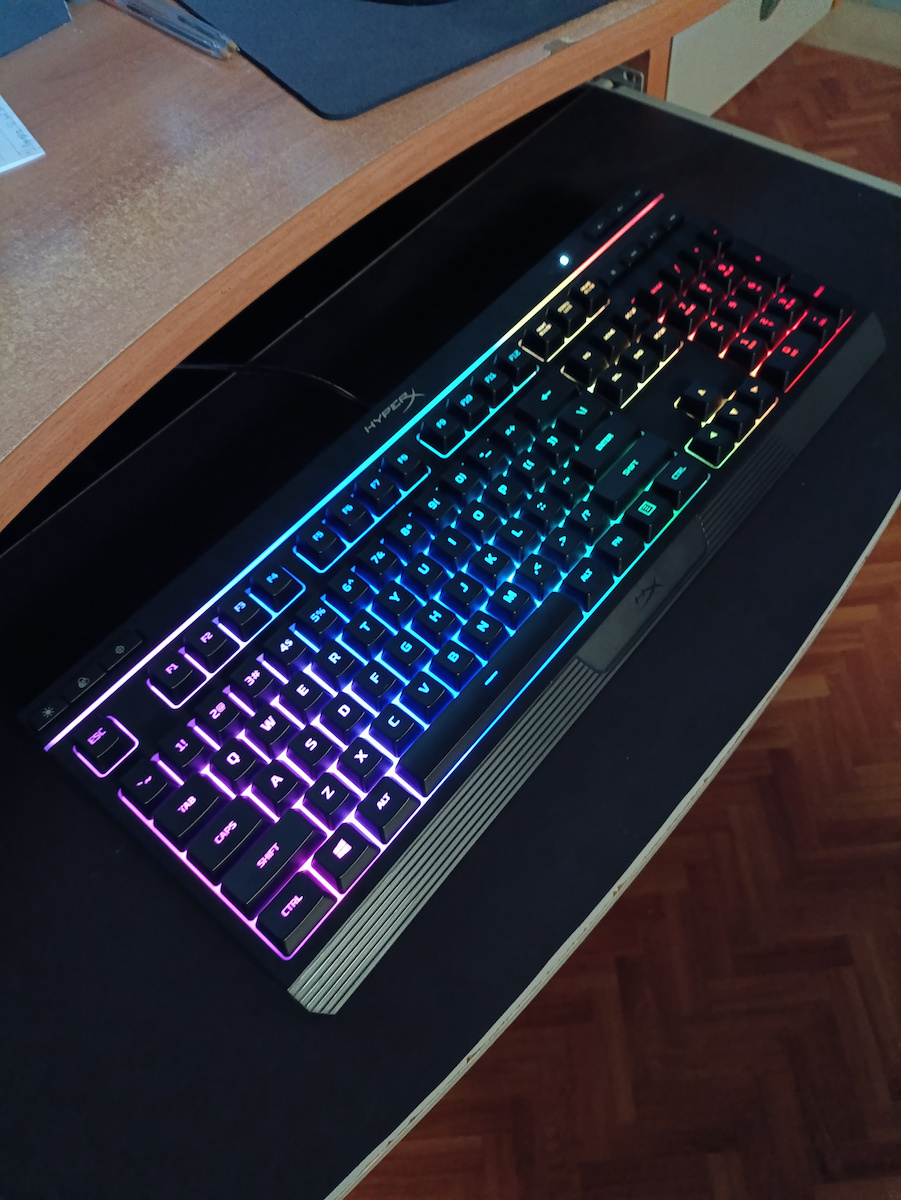
Στον Φωτισμό/RGB έχει 2 κουμπιά το ένα είναι on/off, έχει 2 στάδια φωτεινότητας, το άλλο κουμπί αλλάζει τα modes.
Έχει 6 modes ας πούμε, το πρώτο είναι το breathing,solid,3 έγχρωμα (colorful), και ένα breathing που αλλάζει χρώματα.
Έχει Γαλάζιο, μπλε, μωβ, ροζ, άσπρο, κόκκινο, πορτοκάλι, κίτρινο, πράσινο αυτά.
Αλλάζει χρώματα με FN + δεξιά/αριστερά βελάκια και ταχύτητα με FN + πάνω/κάτω βελάκια.
Δεν μπορείς να κανείς κάτι άλλο με τον φωτισμό του, π.χ. δεν μπορείς να φώτισης ξεχωριστά καπια πλήκτρα που χρησιμοποιείς.
Γενικός τα membrane keyboards δεν έχουν καλό RGB control να το πω έτσι, οπότε άμα θες να ελέγξεις τον φωτισμό/rgb ακριβώς όπως θες πας σε mechanical keyboard.
αυτό είναι για άτομα που θέλουν 1ms membrane keyboard χωρίς gimics φάση mechanical feel και βλακείες που έχει η logitech/corsair etc
Update: όταν ανοίγω το RGB του, ακούγονται παράσιτα από to Πληκτρολόγιo. Τώρα δεν ξέρω γιατί γίνεται αυτό ή από τι είναι.
σαν να υπάρχει coil whine στο πληκτρολόγιο, οπότε κάθε φορά που ενεργοποιώ τα φώτα(rgb) ακούγεται. μάλλον επειδή ζορίζεται? αλλα δεν δημιουργεί κάποιο πρόβλημα αλλά είναι σπαστικό.
Update: Στα RGB Modes που έχουν διαφορετικά χρώματα στα Zones μπορείς να τα αλλάξεις χρώμα με FN + F1,F2,F3,F4,F5.
Update: από ότι λένε το Polling Rate είναι το πόσο συχνά ελέγχει ο υπολογιστής το USB πληκτρολόγιο για να δη τη κουμπί πάτησες η σε πιο σημείο βρίσκεται το κουμπί, ας το πούμε USB latency.
Το Input Lag είναι η συνολική καθυστέρηση του πληκτρολόγιου.
Δηλαδή επειδή το USB/Υπολογιστής ελέγχει κάθε 1000Hz(1ms), δεν σημένει ότι το πληκτρολογιο ενημερώνει καθε 1000 Ηz(1ms). έτσι το κατάλαβα εγώ.
Για παράδειγμα στο Rting δείχνει ότι αυτό το πληκτρολόγιο έχει 15.3 ms καθυστέρηση(Latency)
https://www.rtings.com/keyboard/reviews/hyperx/alloy-core-rgb
και χρησιμοποιώντας ένα πρόγραμμα(keyboard inspector) για να δο το polling rate... λέει 250Hz.
Δεν ξέρω πόσο σωστό είναι αυτό το πρόγραμμα, πάντως η hyperx στης προδιέγραφές του πληκτρολόγιου λέει 1000Hz polling rate.
pantos tora pou xrisimopio to prasino fos, den akougete to coil whine, sta alla xromata akougete


 49 Coins
Για να κερδίσεις τα Skroutz Coins, γίνε μέλος του Skroutz Plus και αποδέξου τους όρους του προγράμματος επιβράβευσης.
49 Coins
Για να κερδίσεις τα Skroutz Coins, γίνε μέλος του Skroutz Plus και αποδέξου τους όρους του προγράμματος επιβράβευσης.





Άφησε πρώτος το σχόλιό σου!