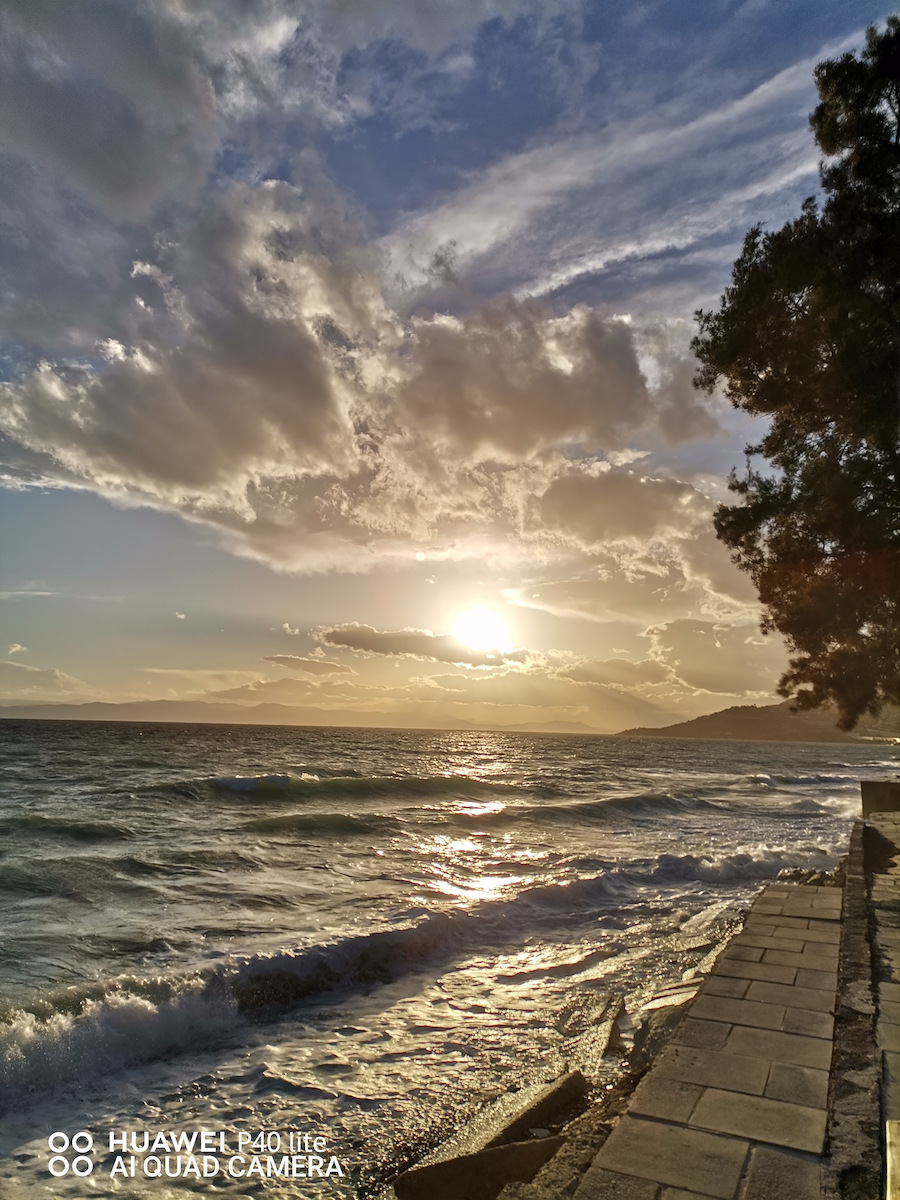
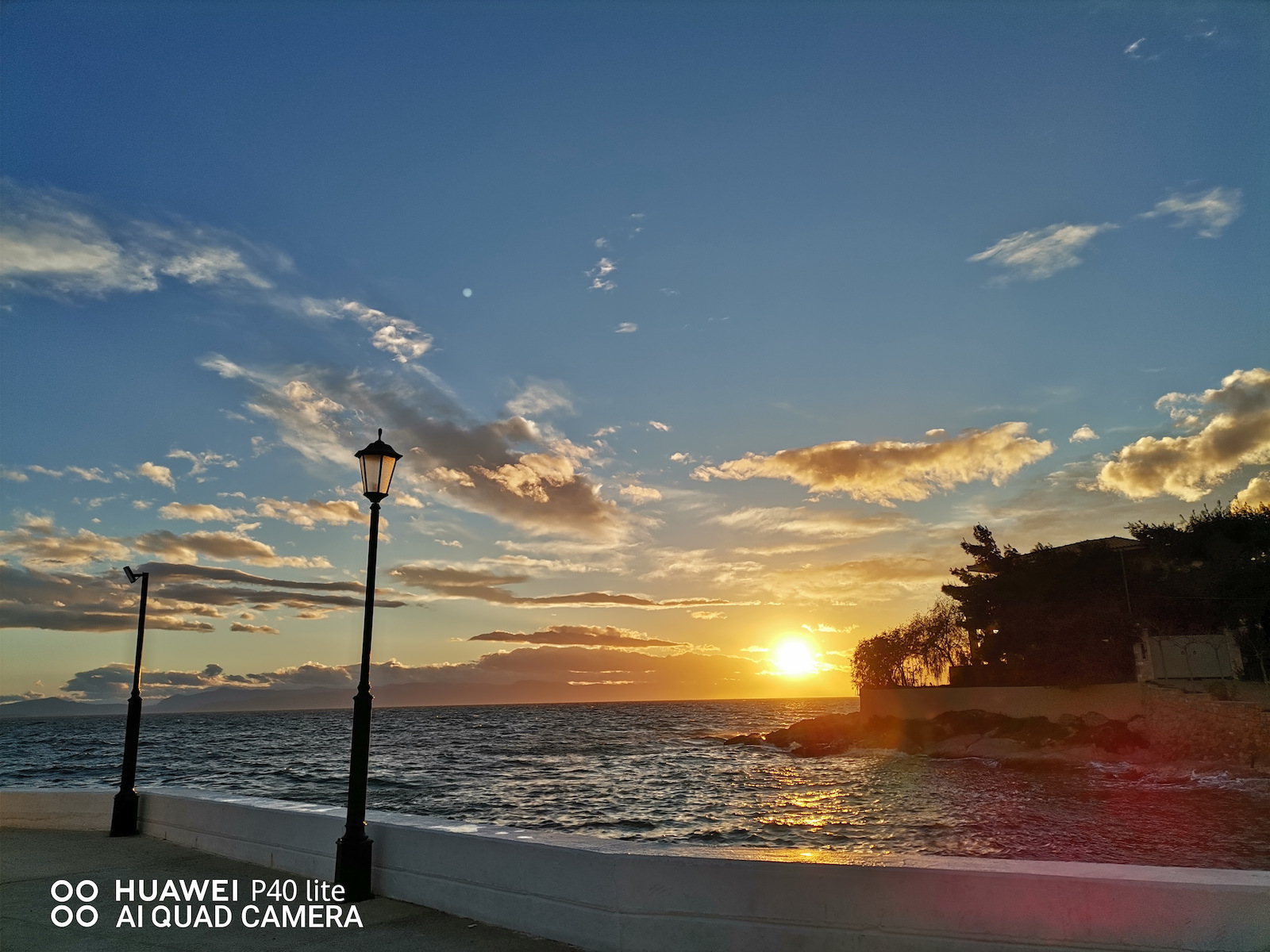
Ei bine, am avut telefonul de o lună acum și pot spune că m-a impresionat pentru atât de puțini bani, primești atât de mult.
Da, nu are Serviciile Google Play, dar nu ai nevoie chiar atât de mult de ele deoarece App Gallery lansează multe aplicații în aceste zile.
Și dacă vrei Youtube, Gmail, Google Maps și Chrome, ei bine, am soluția pentru tine:
- Pentru Gmail, există o aplicație similară numită 'Spark' pe care o poți găsi în App Gallery.
- De asemenea, poți găsi 'Google Maps' și 'Chrome' în App Gallery.
- Acum, pentru 'Youtube', pentru a evita un proces lung, vei merge la 'Chrome sau Browser' de pe telefonul tău și vei tasta 'Youtube Vanced' și vei da clic pe link-ul care spune 'https://vancedapp.com'. De acolo, vei da clic pe 'Vanced Manager (v.2.6.0 "Versiunea poate varia")' și odată ce o descarci pe telefonul tău, vei deschide aplicația 'Vanced Manager', vei descărca 'Vanced MicroG', și apoi 'Youtube Vanced'.
(SFAT: când te conectezi la contul tău Google, nu da clic pe 'Conectare', dă clic pe cel de lângă care spune 'Huawei')
(Această aplicație specifică este și Youtube Premium, deci dacă ieși din aplicație sau închizi ecranul telefonului, videoclipul/melodia va continua să se redă.)
Deci, recomand să îți iei acest telefon fără să mai stai pe gânduri și sper că te-am ajutat cu problema aplicațiilor Google.
Λοιπόν έχω το κινητό εδω και έναν μήνα και μπορώ να πω πως με εχει εντυπώσιασει για τοσα λιγα χρήματα πέρνεις τόσα πολλά.
Ναι δεν έχει Google Play Services αλλά δεν τα χρειαζεσαι και τοσο πολύ εφόσον το App Gallery με τις μέρες βγάζει πολλές εφαρμογές.
Και αν θέλετε Youtube, Gmail, Google Maps και Chrome λοιπόν σας εχω την λύση:
- Για το Gmail υπάρχει μια παρόμοια εφαρμογή που ονομάζεται 'Spark' και θα την βρείτε στο App Gallery.
- Tα 'Google Maps' και 'Chrome' θα τα βρείτε επίσης στο App Gallery.
- Τώρα για το 'Youtube' για να μην μπείτε σε διαδικασία θα πάτε στο 'Chrome ή το Browser' του κινιτού σας και θα γράψετε 'Youtube Vanced' και θα πατήσετε το link που εχει 'https://vancedapp.com' απο εκεί θα πατήσετε πάνω στο 'Vanced Manager ( v.2.6.0 "Η έκδοση μπόρει να διαφέρει" )' και μολις το κατεβάσετε στο κινητό σας θα ανοίξετε την εφαρμογή 'Vanced Manager' θα κατεβάσετε το 'Vanced MicroG' και μετά το 'Youtube Vanced'
(TIP: οταν θα συνδεθειτε στον λογαριασμό σας Google δεν θα πατήσετε 'Sign In' θα πατήσετε το δίπλα που λέει 'Huawei')
(Η συγκεκριμένη εφαρμογή ειναι και Youtube Premium οπότε αν βγείτε απο την εφαρμογή η αν κλείσετε την οθόνη του κινητού το βίντεο/Τραγούδι θα συνεχίζει να παίζει.)
Αυτά λοιπόν το κινιτό σας το προτείνω να το πάρετε χώρις δεύτερη σκέψη και ελπίζω να σας βοήθησα στό θεμα με τις Google εφαρμογές.