I have had it for 3 days and I have already formed incredible impressions about it.
I was reading reviews not only from Scroutz but also from major technology groups and they created doubts for me. Finally, I loved it.
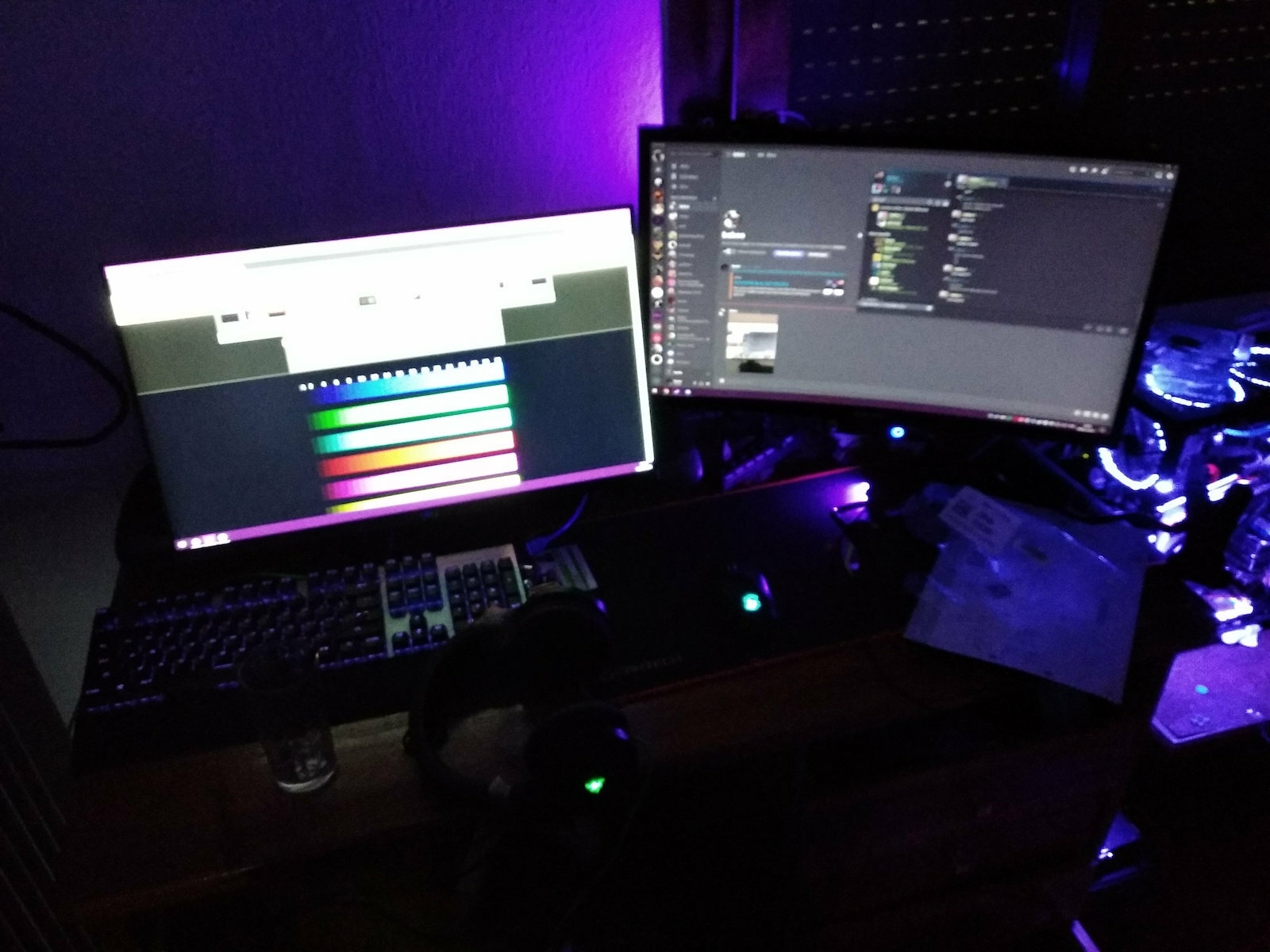
I have a Samsung next to it with a VA panel and 72Hz and I can make more objective comparisons for response and colors.
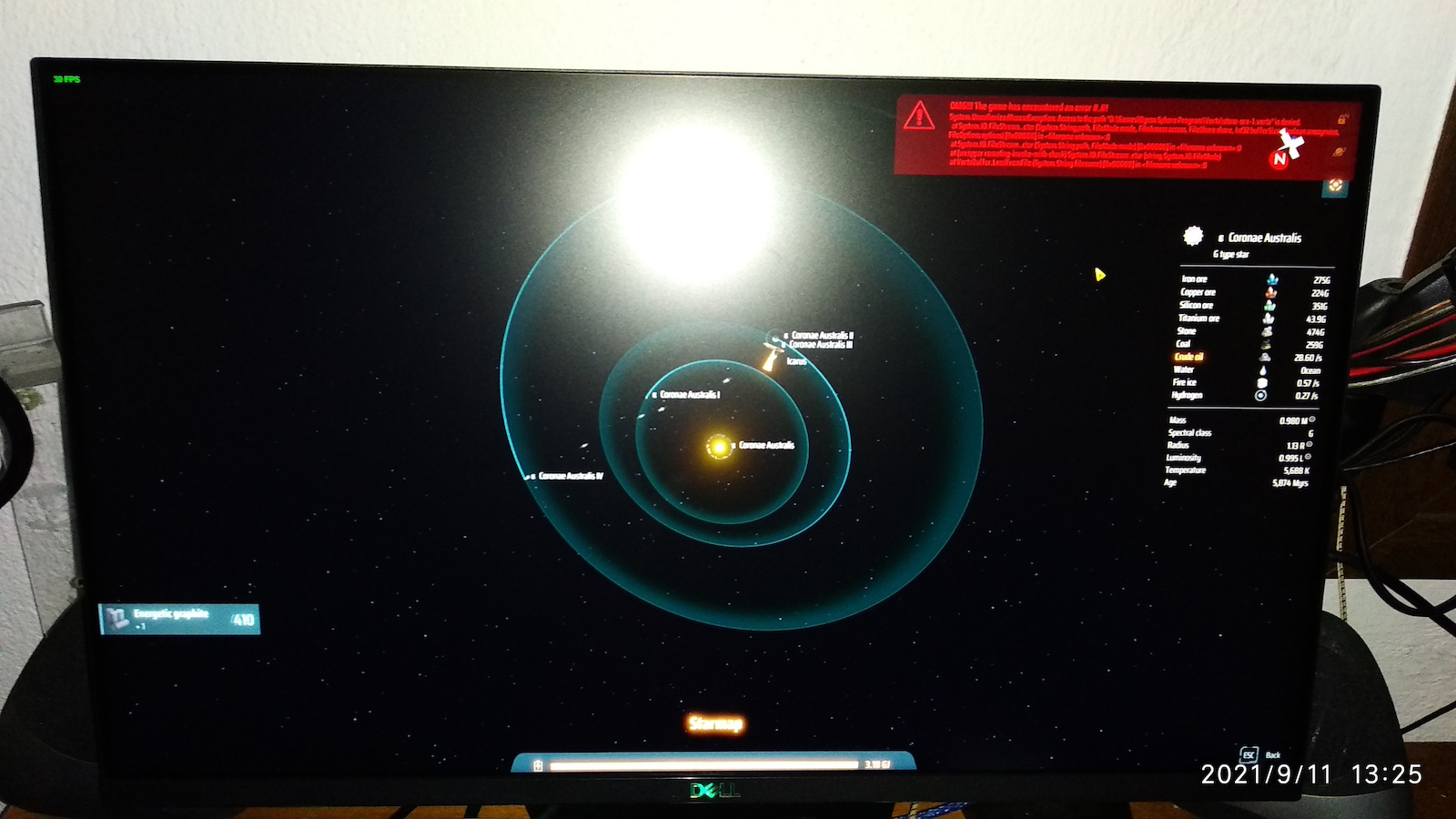
Well, as a 144Hz monitor, it is the best thing that has happened for competitive gaming. Immediate response and extremely smooth movement. The colors are quite vibrant, although I had to spend half an hour calibrating them because it doesn't come well calibrated from the factory (there are free online tools if you want to deal with it). The black scared me the most before buying it, and in comparison to my Samsung, which is supposed to have black levels similar to an OLED, I can't see any difference in a dark room with 100% brightness and 63% contrast (it doesn't show in the photo due to a weak sensor in the camera).
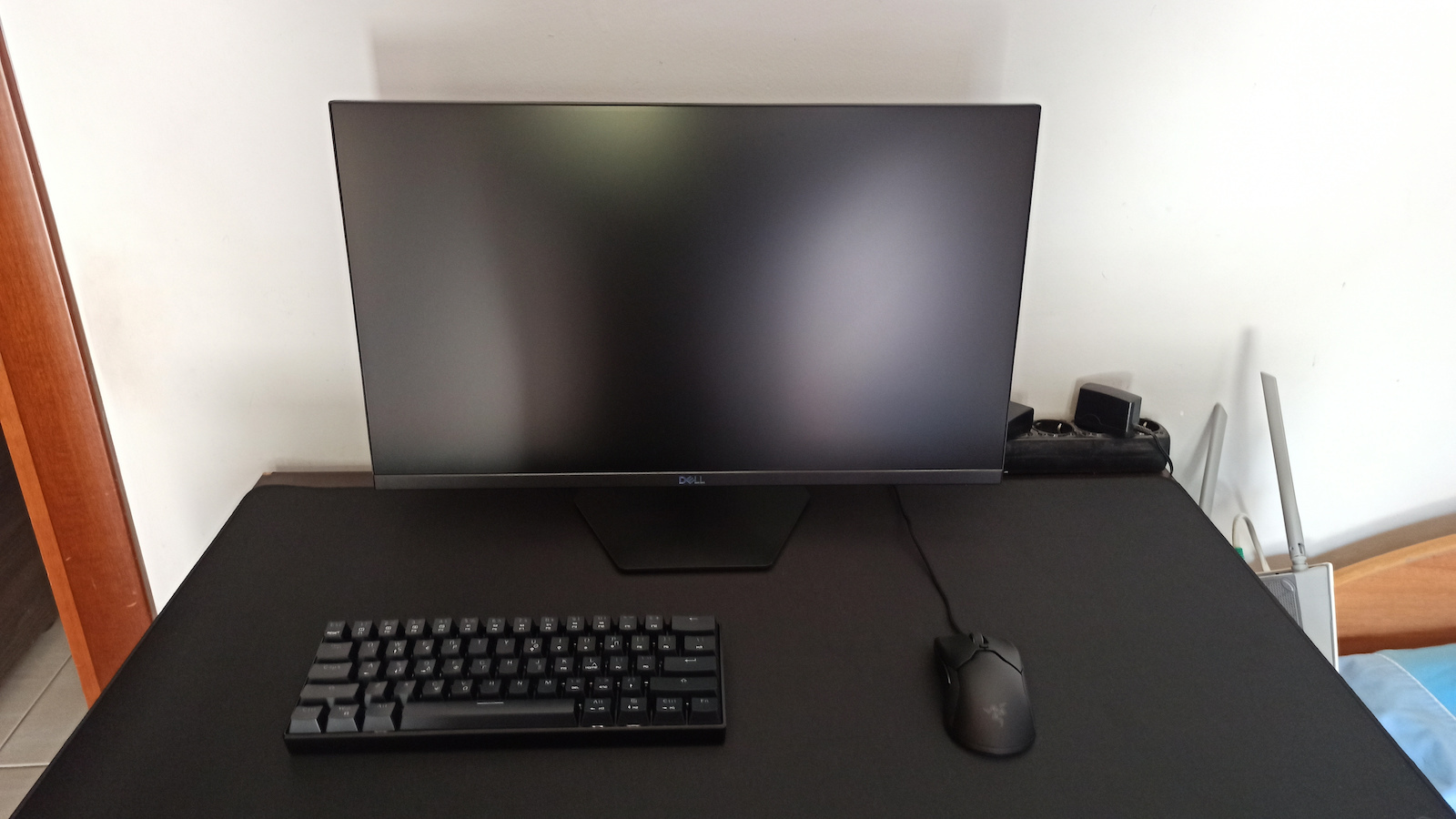
If you don't do color grading and related things, you won't notice a difference compared to much more expensive monitors with different panel technologies. Even dragging windows in Windows is almost enjoyable to watch. The bezels on the sides and top are almost non-existent and it looks very stylish.
Something I have to note is that I previously had a curved monitor, and when you sit in front of a flat one, it gives you the feeling that it has an inverted curve (meaning that the center of the screen is further out than the sides), which is obviously wrong and you get used to it quite quickly.
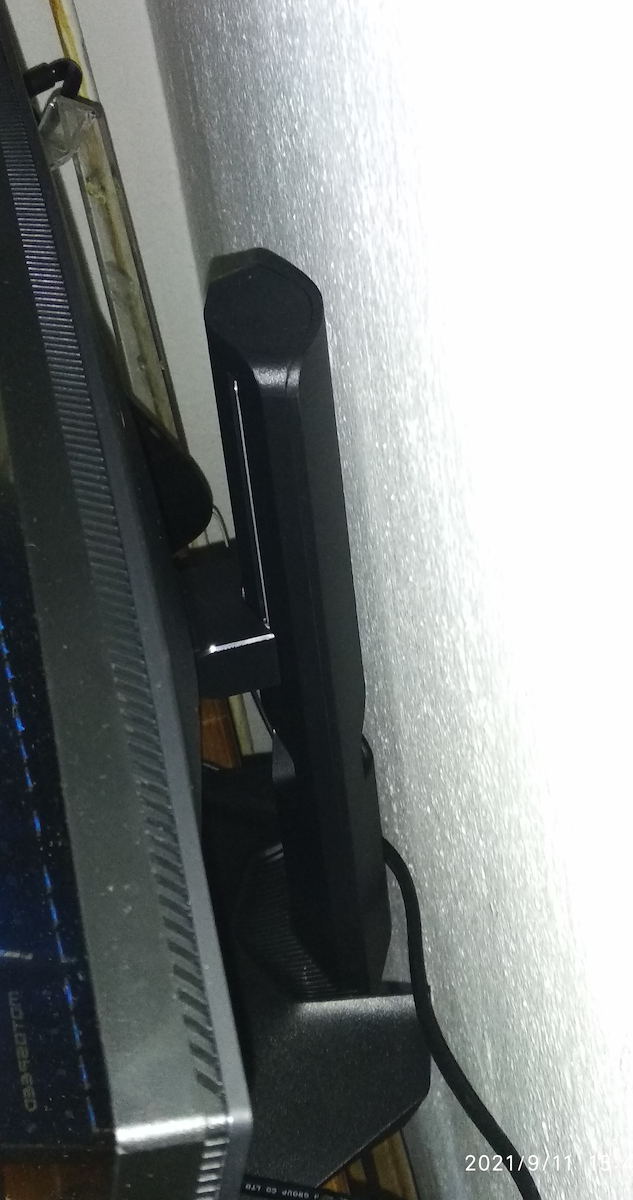
Its stand is quite sturdy and has height and tilt adjustment... it doesn't have rotation, but for this price, it's more than enough. Also, personally, it takes up quite a bit of space on my desk and I will put it on a monitor arm, but that depends solely on you. It has a VESA mount of 100x100.
In the Radeon settings, it doesn't show me an option for FreeSync, only for VRR, which is essentially the same thing.
I would recommend it without hesitation... it's worth every euro I spent.
Because the DisplayPort can transfer USB signals, Windows recognizes the monitor properly with its ID and everything as a monitor, not just as a generic display... this allows the Dell application to send the settings you make directly to the monitor... so any color settings, for example, are done through the monitor's controller and not through the operating system.
Edit: After an update in the Radeon settings, the option for FreeSync Premium appeared, but since I never had tearing, I didn't notice any difference.
Update: My neighbor bought a Samsung OLED for €1000 (I don't know the exact model) and let me compare it with my monitors... I noticed that the whites on that one appear somewhat "dirty"... I don't know if it's the panel technology, some coating on the Dell monitor, poor calibration, or simply the model can't handle it, but if you have an excellent TV for comparison, you will see a difference in the whites. They look somewhat orange... of course, in my setup, I completely forgot about it after a day, I just thought it was right to mention it. One last thing I noticed in the half of the time I have had it is that, due to competitive gaming, I have it placed all the way down, touching the desk... I would recommend leaving some space because the lighting is located at the bottom and it heats up at high brightness, so it needs space to breathe (it has internal ventilation).